
Yes, you can add attachments to documents you want to archive or share without sending them to be signed.
This option is available for Circularo Business and Enterprise users.
Uploading attachments
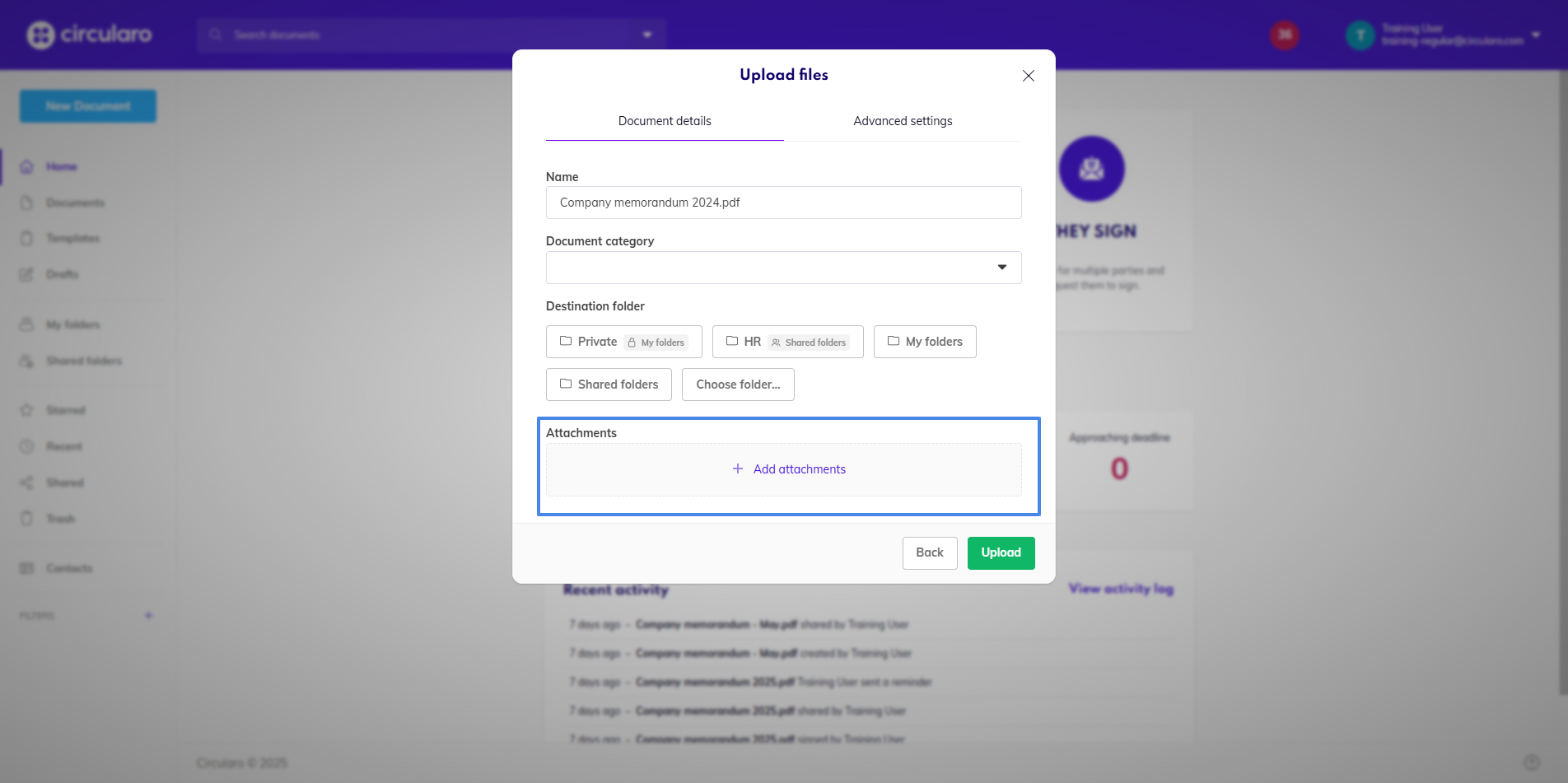
When uploading a new document, you will be given the option to add an attachment to it. It can be up to 20 files in any format Circularo supports up to 40MB in total size.
You will have an option to make each attachment either private or public. Private attachments are only visible to other users in your organization, while public attachments are also visible to external recipients.
You will see all attachments attached to a document in its Preview, from where you can also add more, and download, rename, or delete current ones. Private attachments will have a small lock icon, while public attachments have a small world icon.
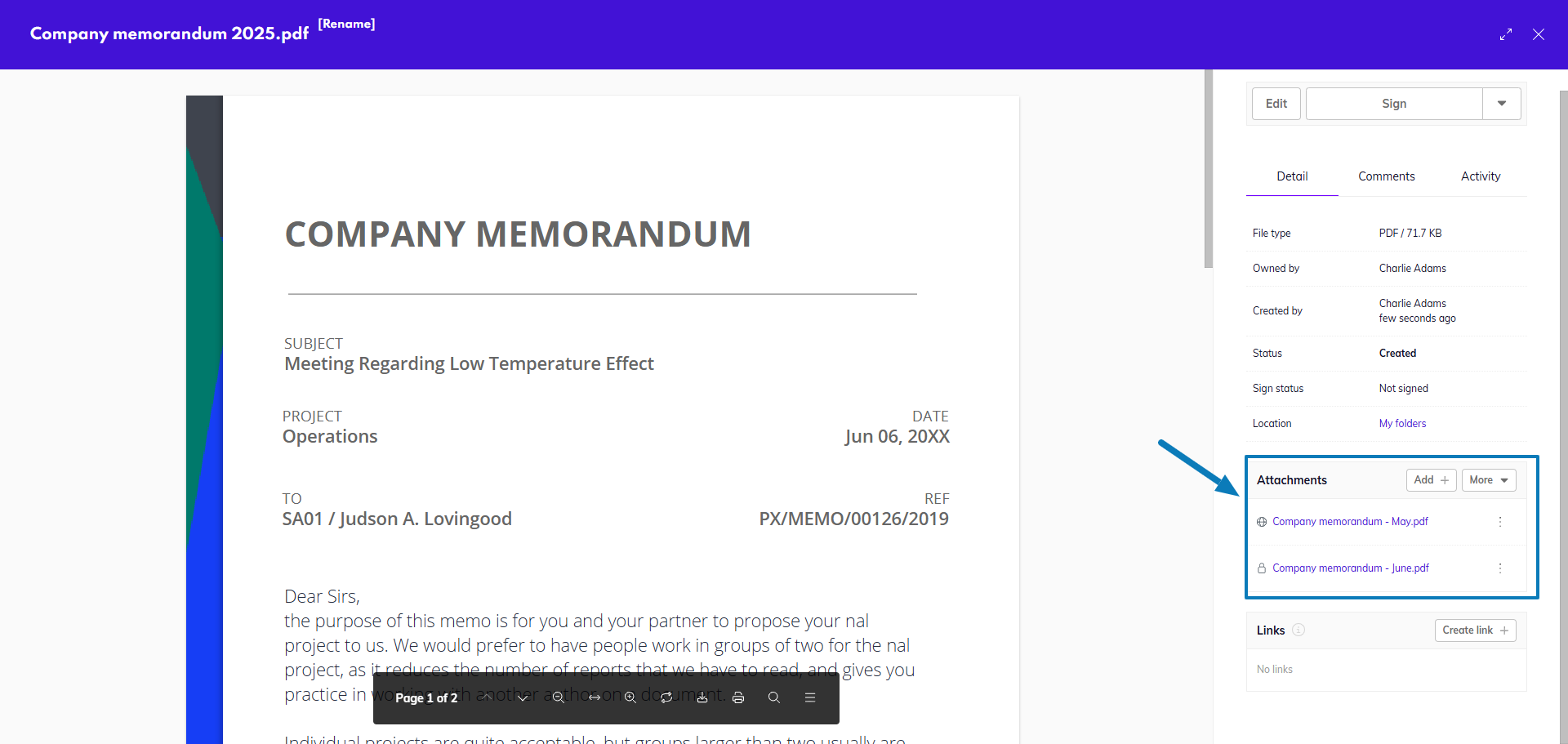
If you share a document with attachments with another Circularo user, they will be able to see and download all of the attachments in their Circularo app.
When sharing a document with external recipients, they will be able to see the attachment and open it, but currently they will not be able to download the attachment.
If enabled during the last step before sending the document, recipients can also upload their own attachments to the main document during signing.