
You forgot your password - it happens. There is an easy way to reset your password so you can access your account and your documents.
-
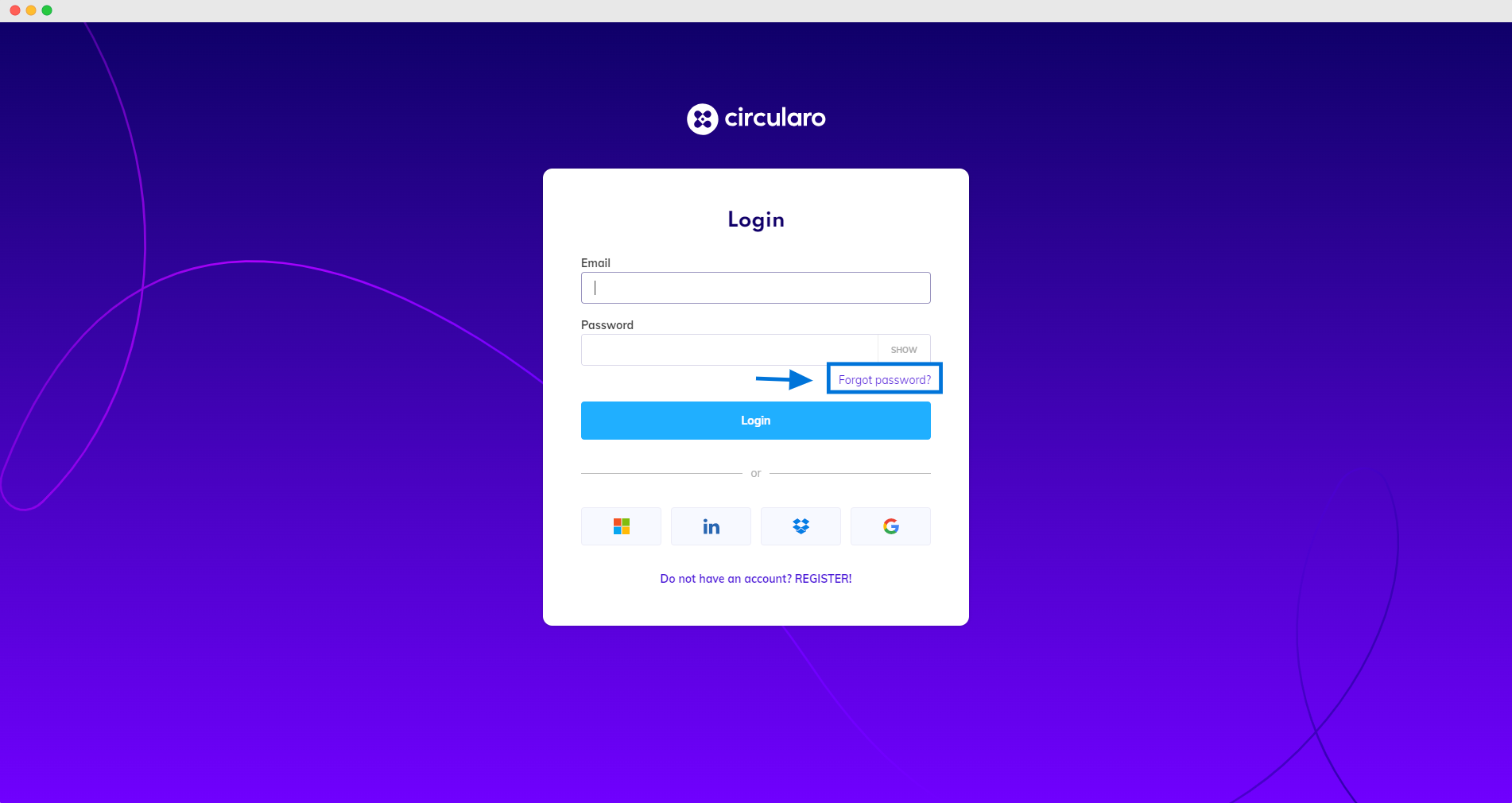
Go to the Circularo login page.
-
Click on the Forgot password? link.
-
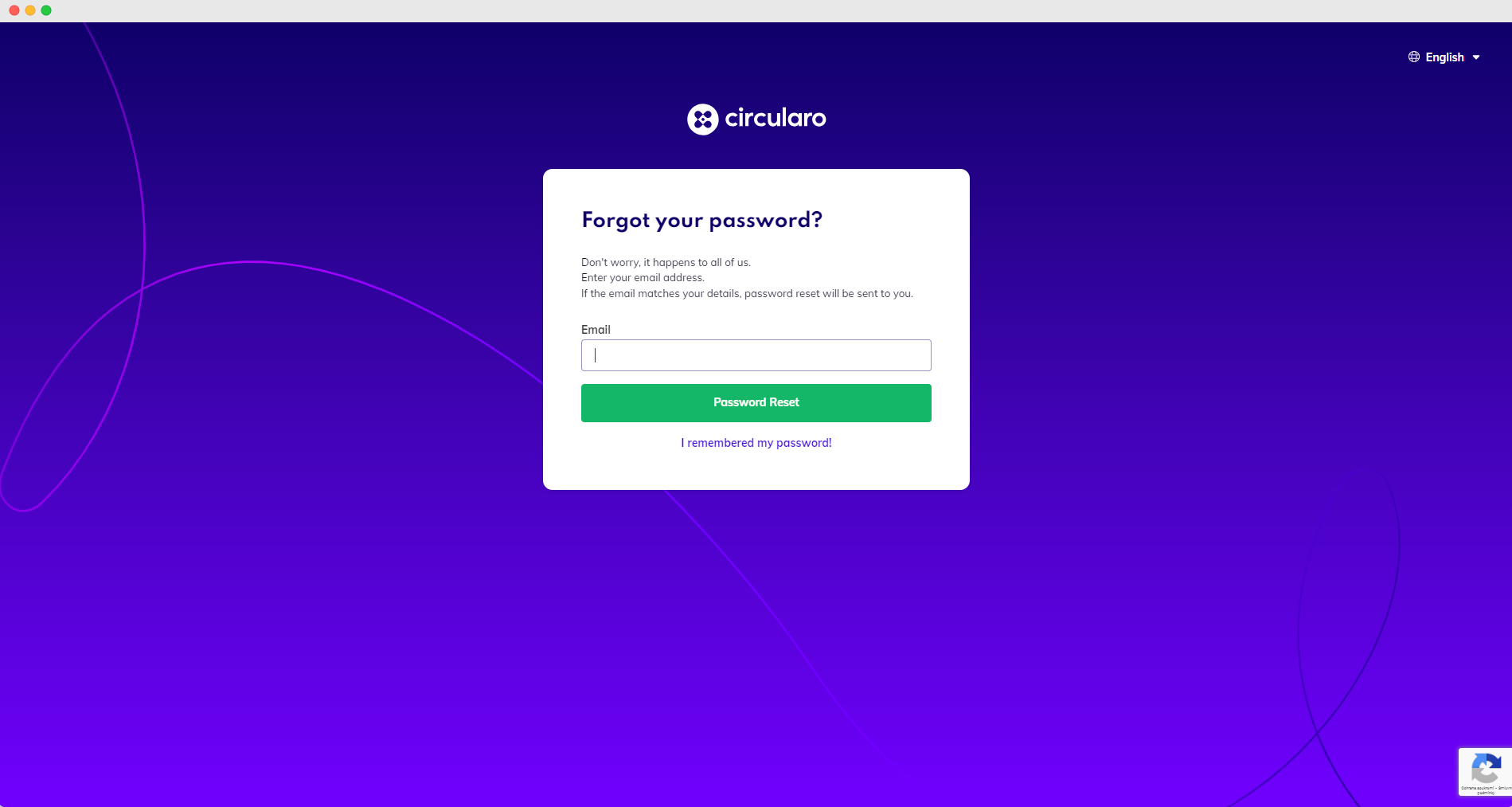
Input the email where you received the registration link.
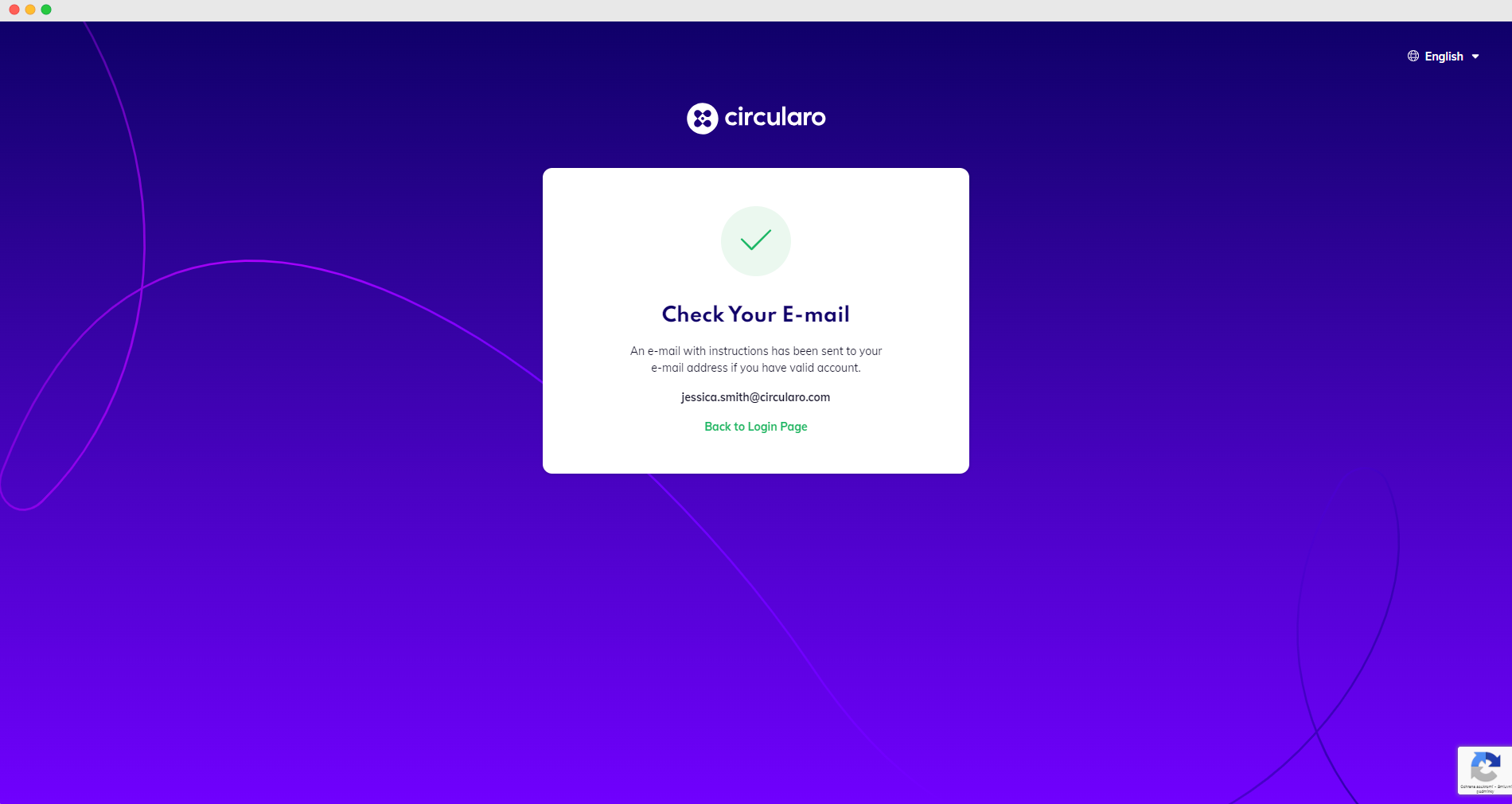
4. Go to your email inbox, you will find an email with a Reset password link.
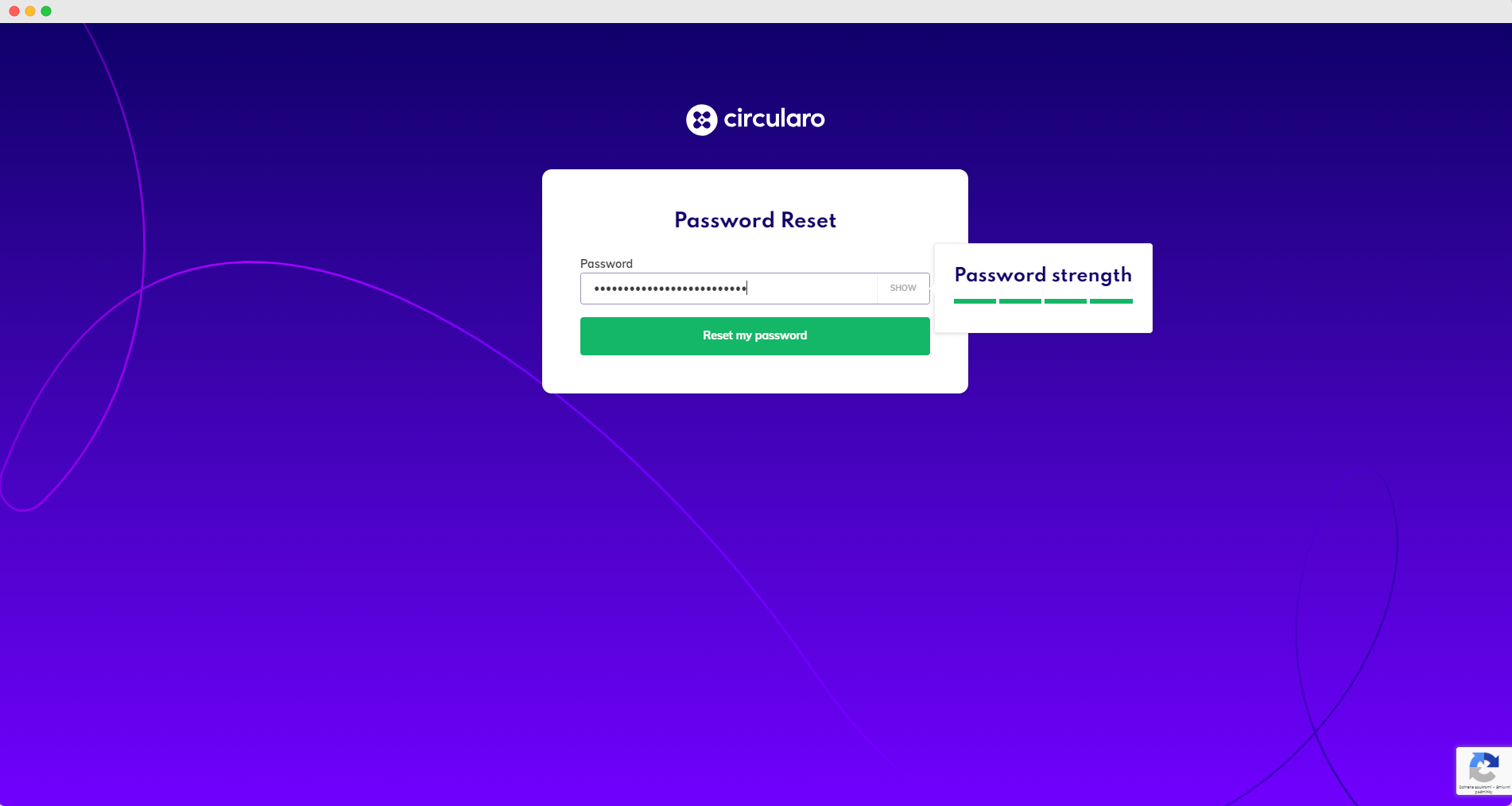
You will be taken to a window where you will create your new password. A pop-up window will show you the strength of your new password - make sure your password is secure.
-
Once you’ve created your new password, you will be able to go back to the Login page.
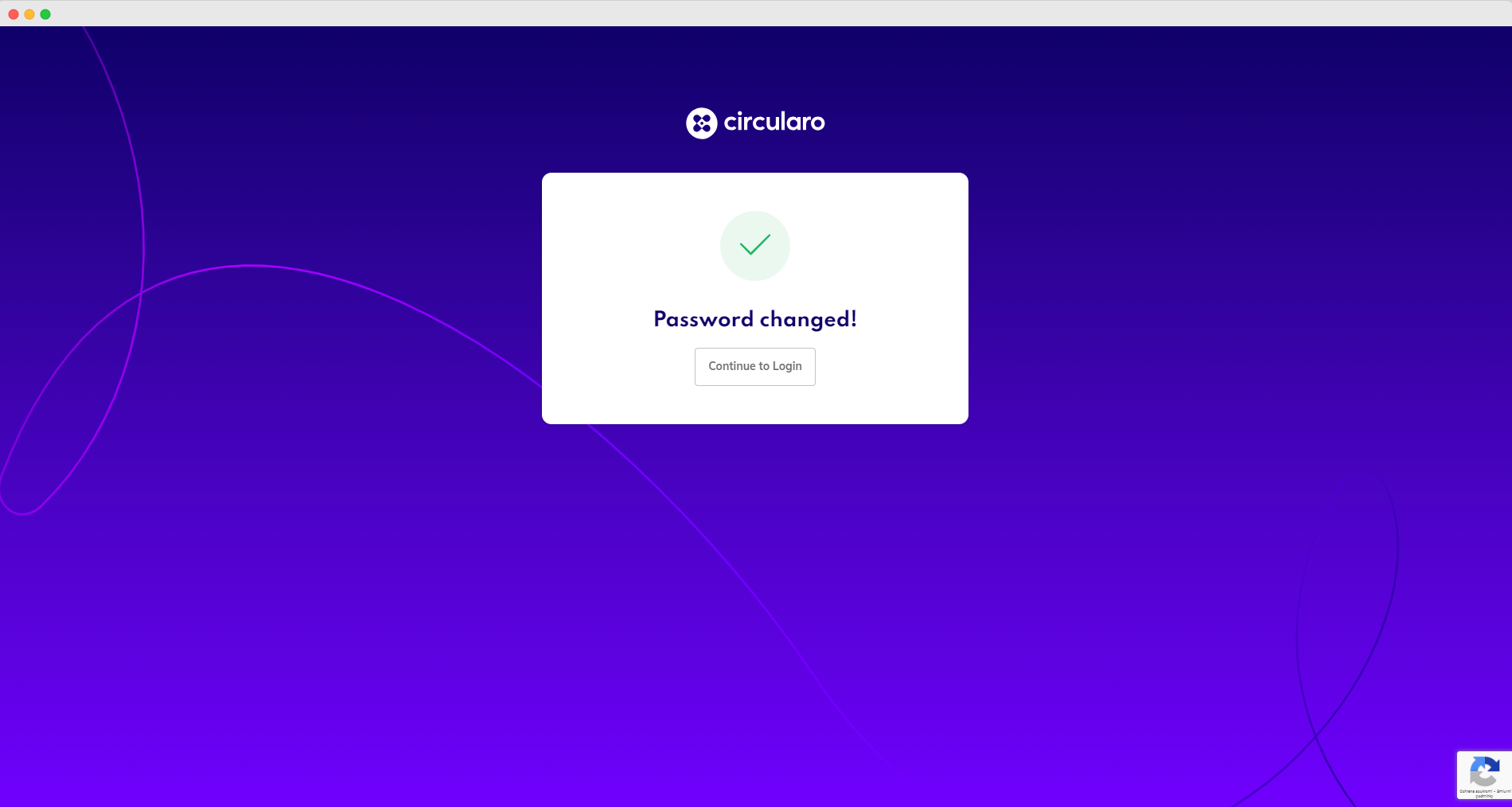
-
Now use your email and your new password to login in to your account.
-
And that’s it, you have successfully reset your password and have access to your account.
Suspended members of an organization are not able to reset their password - contact the admin of your organization.