
You will see a banner informing you of fields and recipient roles detected on a document, if the document contains an AcroForm or XFA form, or a combination of both, or a field structure prepared on a Word document. What this means, is that some fields were already prepared on the document, even before you started the signing process in Circularo.
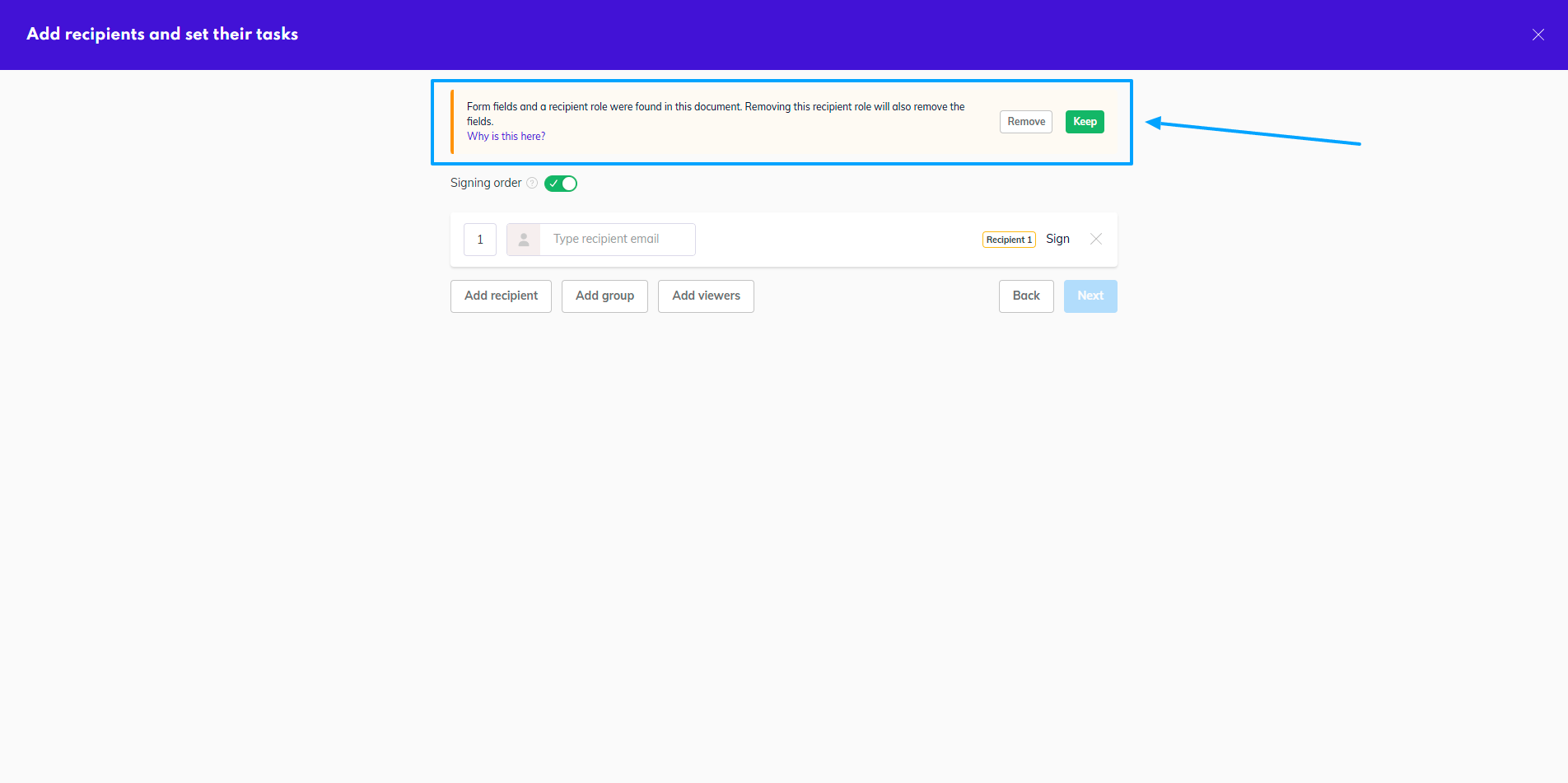
Our system detected these fields, and re-created them on the document for you, so you don’t need to manually drag them onto the document again.
Since fields cannot exist without recipients, the system has also created at least one recipient role to assign the fields to. Depending on your document, there can even be several roles detected.
You have the option to preserve everything detected by our system - roles and fields. You can of course also add more roles or delete some. Or even delete completely everything that was created for you.
During the field preparation you can reassign the fields to other recipients, delete some fields you don’t need, or generally work with the document as necessary.