
Configuring default Circularo user interface (UI) based on particular type of user profile (user group). Custom UI means disabling or enabling certain menu actions and options, changing the main landing page after login etc. so the whole user experience can be tailored to the particular role of the user.
Included
-
Changing the main landing page after login
-
Changes to the navigation menu structure
-
Custom document categories (tabs)
-
Custom column structure for each document category
-
Adding/Removing of certain document actions
|
Customizable Element |
Description |
|
Columns Structure |
The following system columns can not be changed:
Custom columns can be added based on:
|
|
After login state |
Can be changed to be, for example, an Inbox instead of the default Dashboard |
|
Navigation menu structure |
Some tabs can be taken away, renamed or added |
|
Document Tabs |
Can be added or removed and configured based on different document statuses |
.jpg?cb=aceb8a352dc9e71efb5b8f689f8062ce)
Not included
-
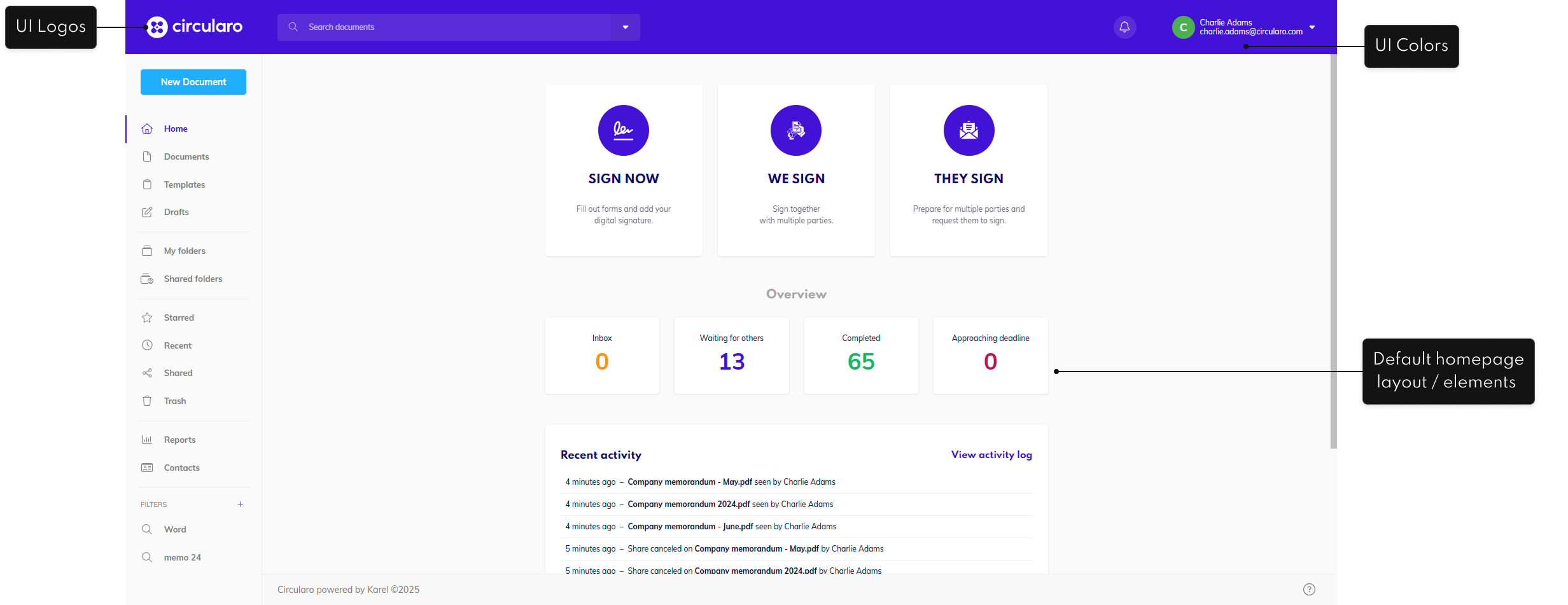
Changes to the default homepage (see ‘Custom Homepage’ add-on)
-
Changes to the default Circularo UI branding (see ‘Custom Branding and Styling’ add-on)
-
Custom dashboards (see ‘Custom Dashboard’ add-on)
Required from your side
-
Information:
-
User group of the UI
-
General use case of the UI for the user group
-
(Optionally) Visual layout
-