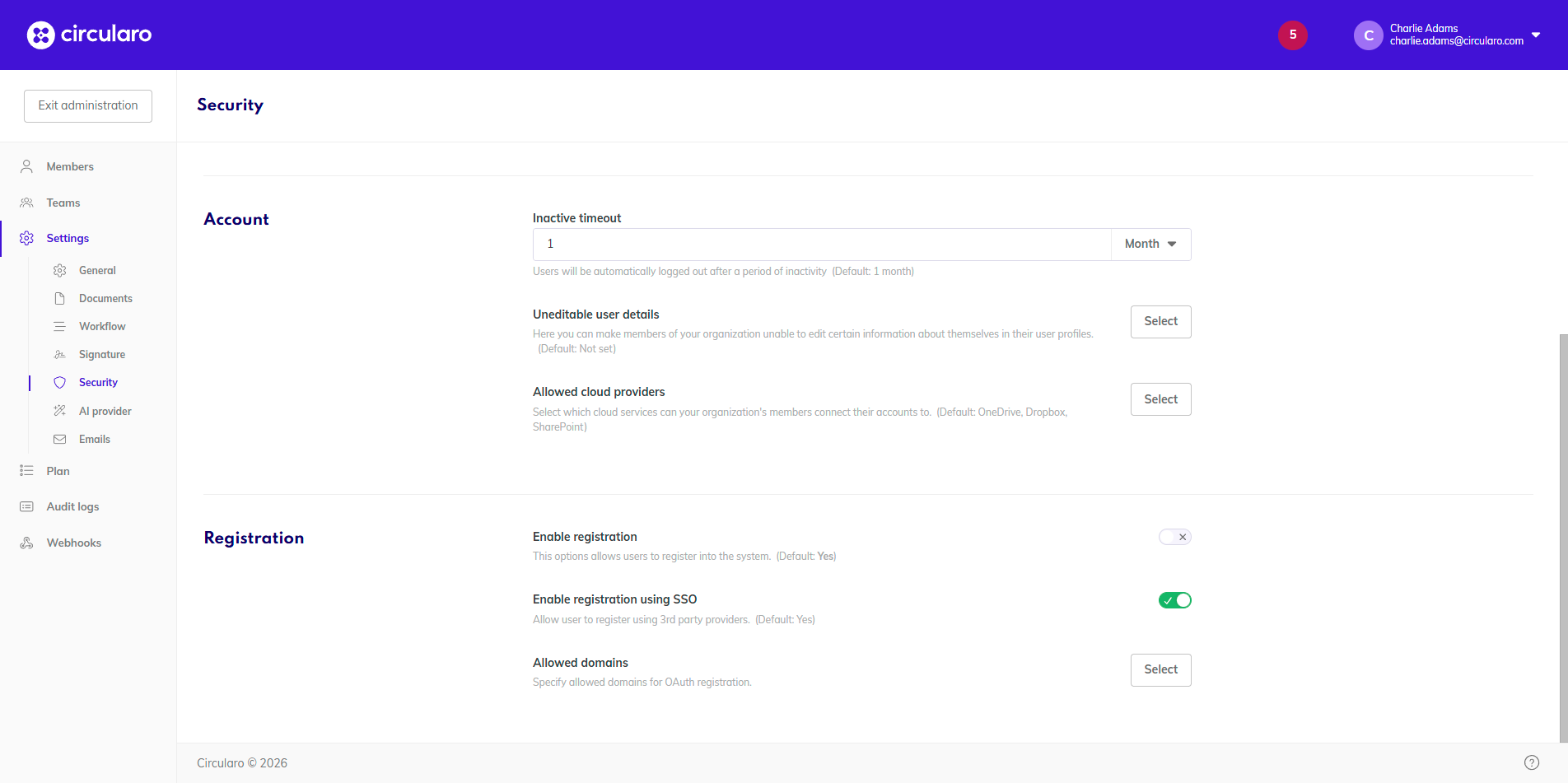
Settings here are all related to security - passwords, logins, registration.
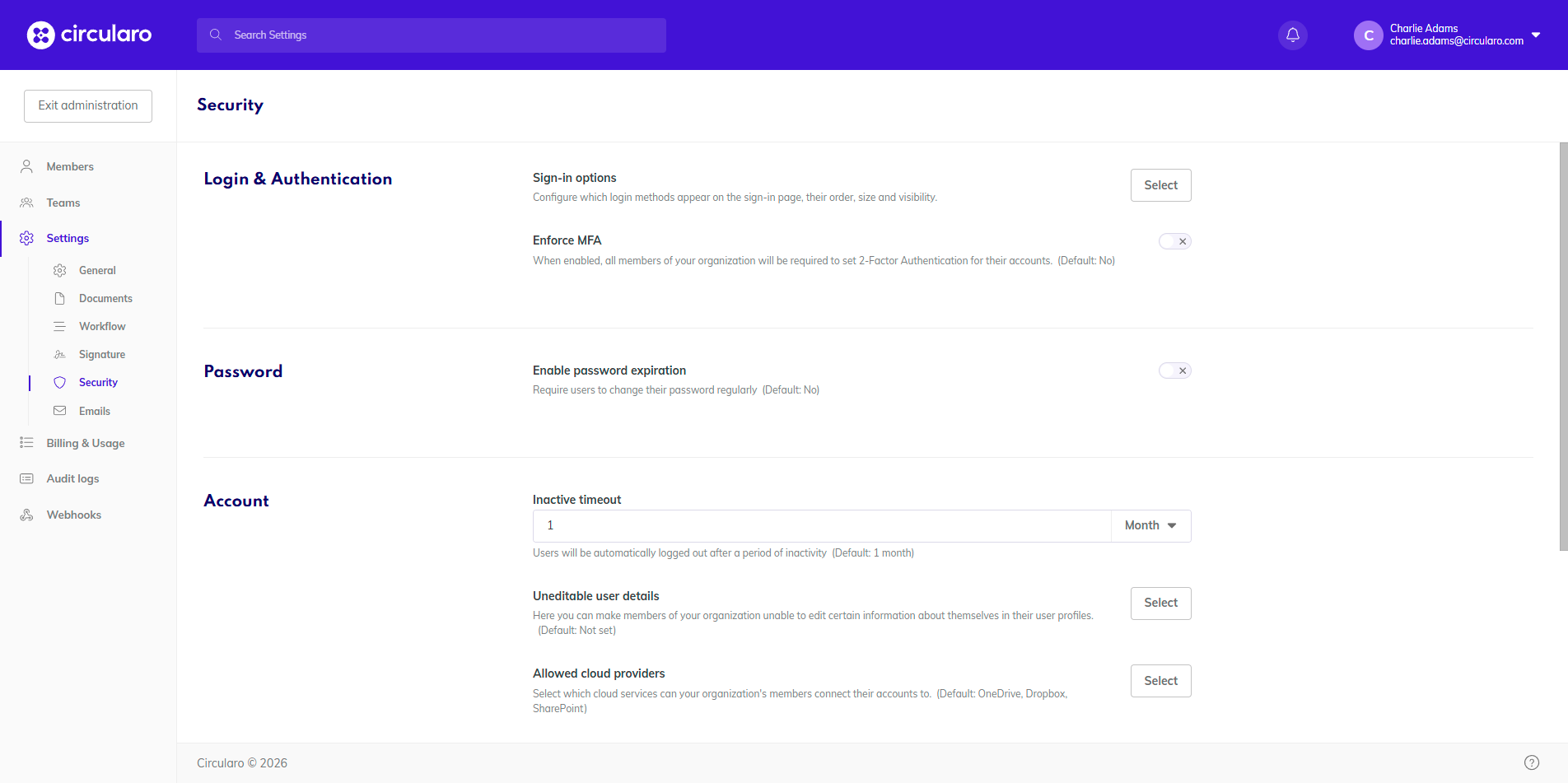
Login & Authentication
Sign-in options
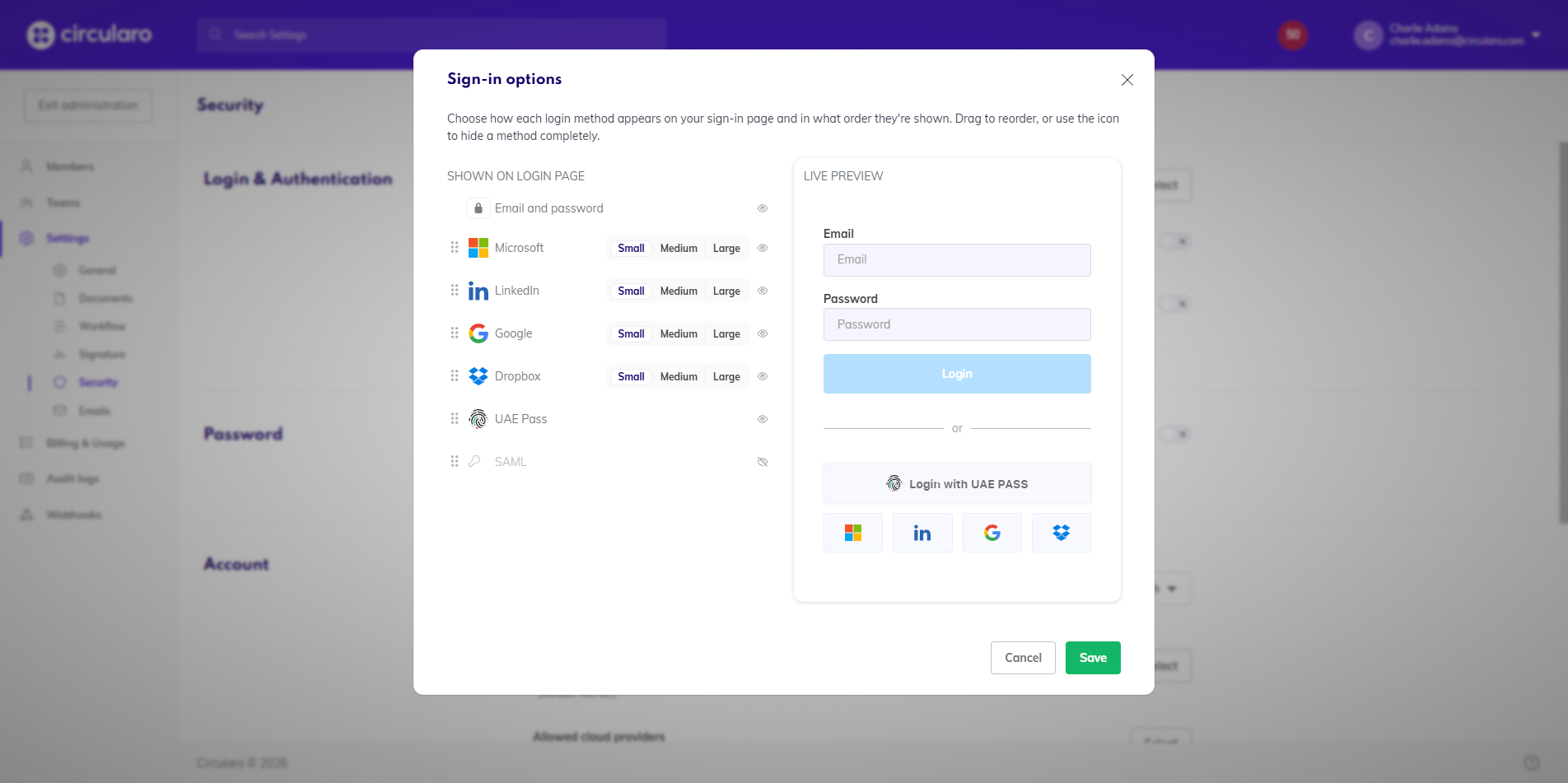
You can configure the login screen of your organization - only keep the authentication methods you want to have available for your users, as well as adjusting the sizes and organization of the methods on the screen itself.
Most authentication methods have different sizes for their buttons. You will also see a live preview of the login screen at the same time, to see what exactly you are configuring.
At least one login option always needs to be available.
Enforce MFA
Availability: Business
When enabled, all members of your organization will be required to set 2-Factor Authentication for their accounts.
Each user can select between email, phone, or 3rd party authenticator based on their personal preferences.
Password
Enable password expiration
When enabled, all members of your organization will be required to change their password regularly. You can then set the frequency of mandatory password changes.
Account
Inactive timeout
Set the amount of time after which an inactive user will be automatically logged out of their Circularo app.
Uneditable user details
Availability: Business
You can select which details in a member’s profile they can change and which they cannot. You will see a list of all those that are not enabled for change.
Allowed cloud providers
Select which cloud services can your organization's members connect their accounts to.
Registration
Enable registration
Availability: Business
Allows new users to register into your organization without the need for an explicit invitation from the admin.
Enable registration using SSO
Allows registration via 3rd party applications, such as Google, Microsoft, UAE PASS, LinkedIn or Dropbox.
Allowed domains
When specified, only emails with those domains can be used for registration via OAuth.