
This part of your Home Page briefly shows you the stats about your documents and how they’re being processed. Each card represents the number of documents falling into a given category.
-
Inbox - documents waiting for your action
-
Waiting for others - documents waiting for someone else to take action
-
Completed - documents that don’t require any further action
-
Approaching deadline - documents close to their processing deadlines
A document is Completed once it has been successfully signed or approved by all participants and doesn’t require any further action.
A document is considered Failed if it hasn’t been successfully processed by all participants.
This can happen in 3 ways:
-
The sender cancels their request during the process
-
Someone rejects the document
-
Someone fails to meet the processing deadline
When sending a document to other users along with an action request, the sender can set a processing deadline for the recipients. After the deadline passes, the document gains Expired status and cannot be accessed anymore.
The default Approaching deadline status threshold is set to 3 days before the request expires.
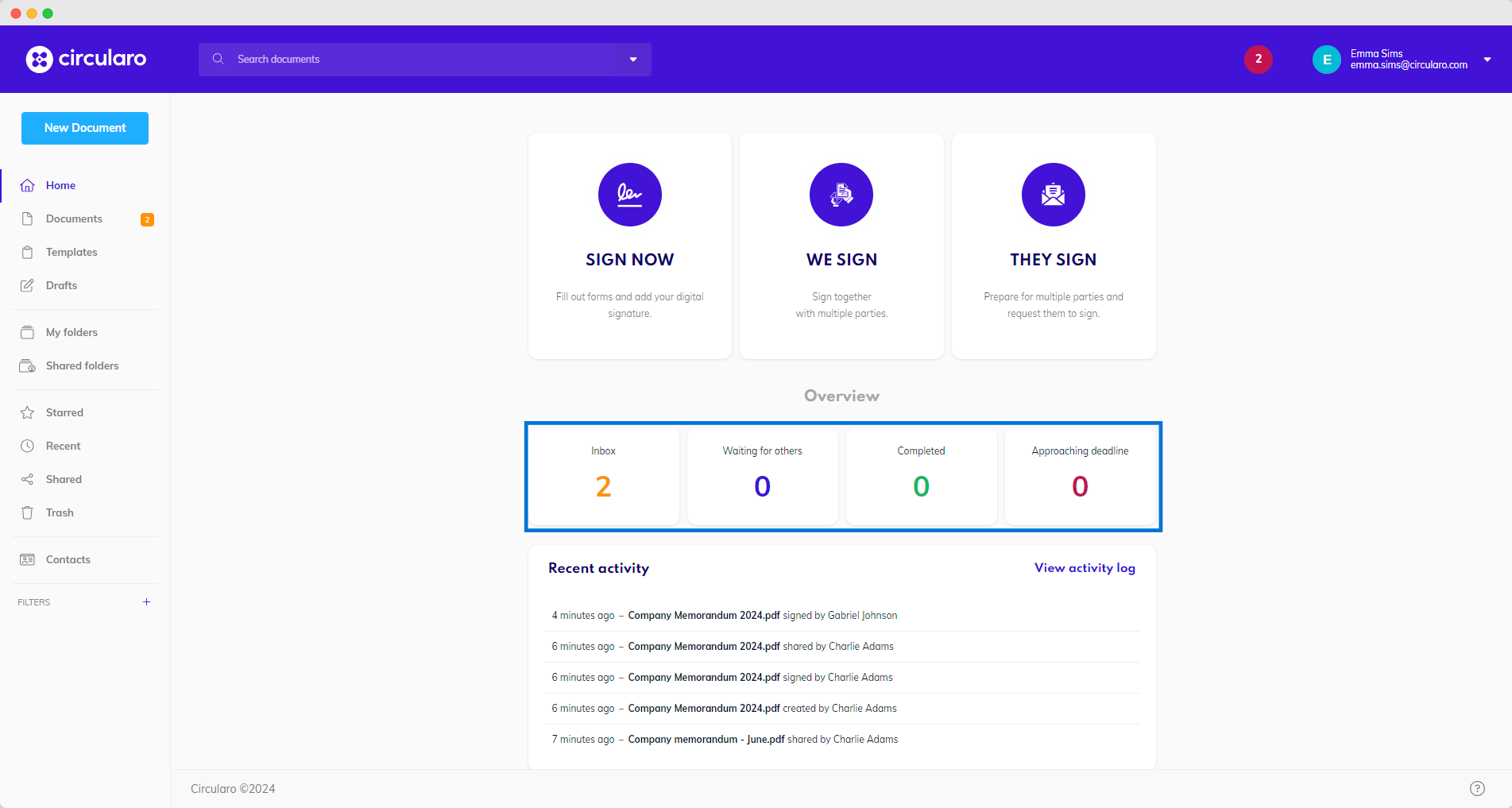
Clicking on each of the scorecard statistics will direct you to the relevant tab with specific document status.