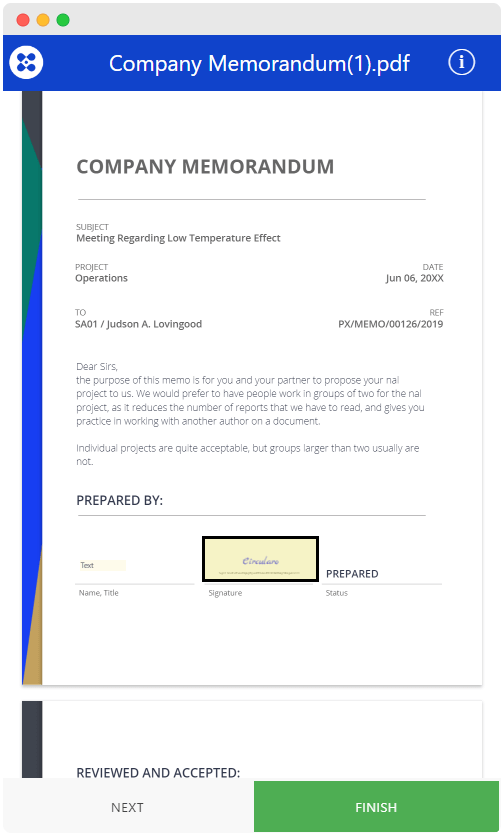
When a document is sent to you with a request for signature, you will receive an email notification from Circularo sent on behalf of the sender.
You can easily sign it from your mobile phone, no need to use a PC or laptop. No app download or installation is required.
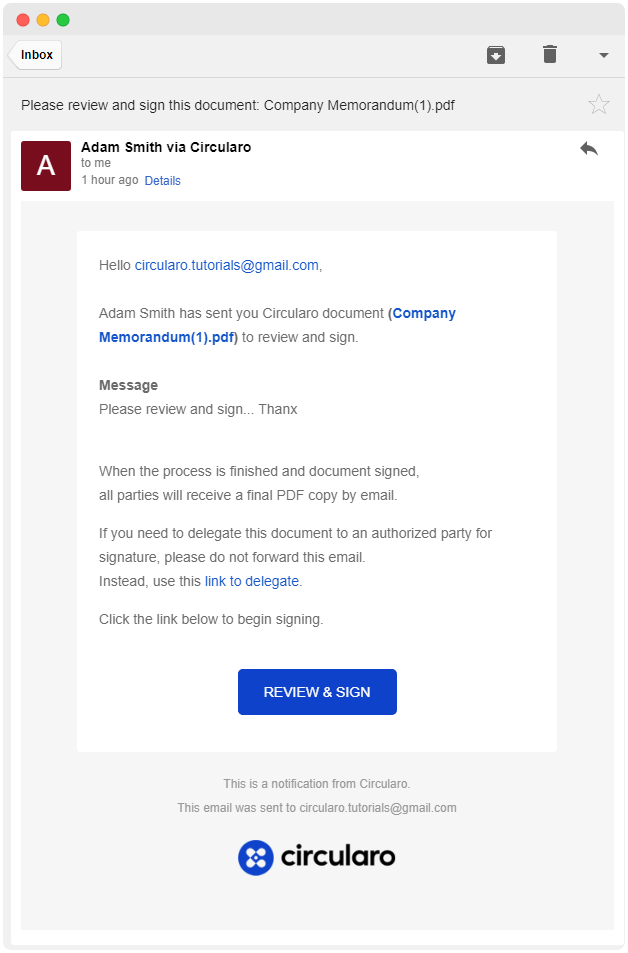
Read the email
Open the email and review the message from the sender. Click REVIEW & SIGN to begin the signing process.
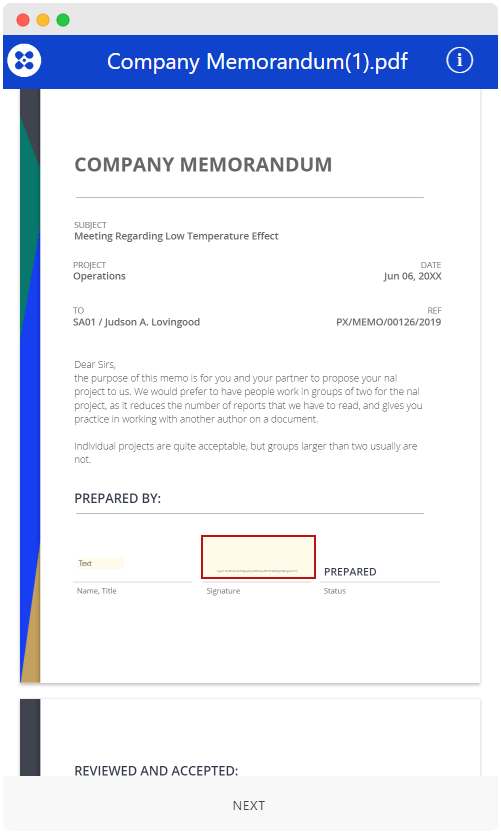
Fill in the fields
Start filling the fields by clicking NEXT.
Create your signature
Click on the signature field and draw your signature on the highlighted area.
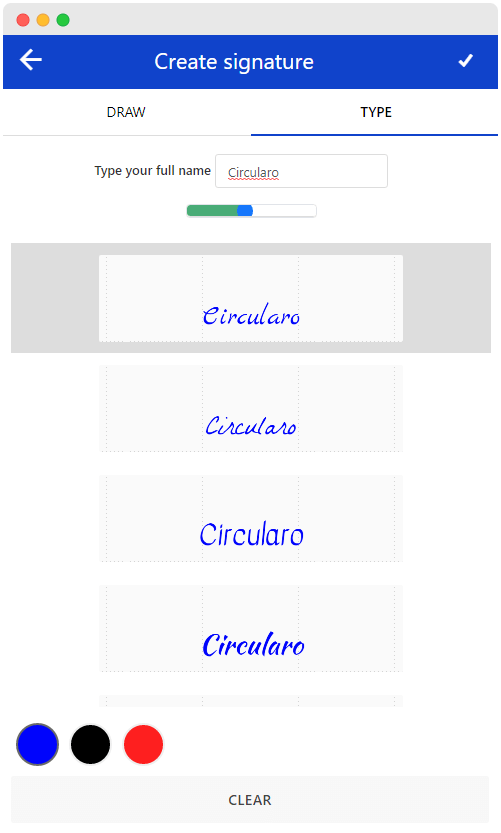
Click SAVE for the signature to be placed on the document.
Confirm signing
Confirm signing by clicking FINISH.