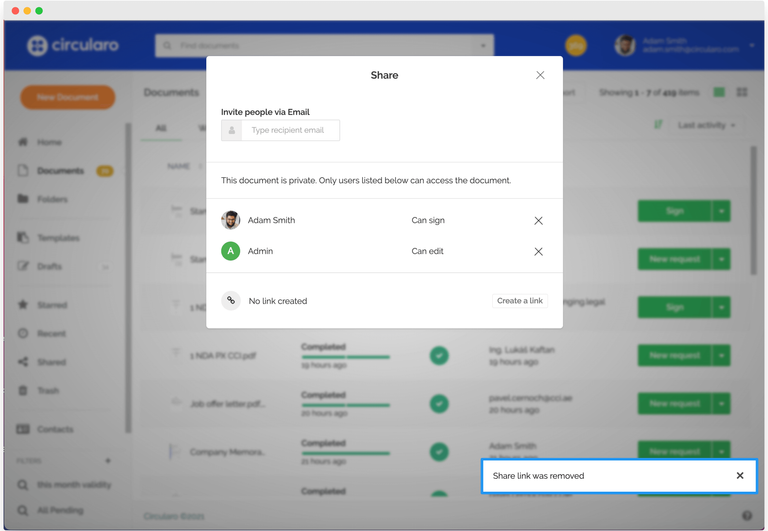
If you want to stop sharing a document with a particular contact, you can cancel the share at any time.
To do so, right-click a document and select the Share option from the dropdown.
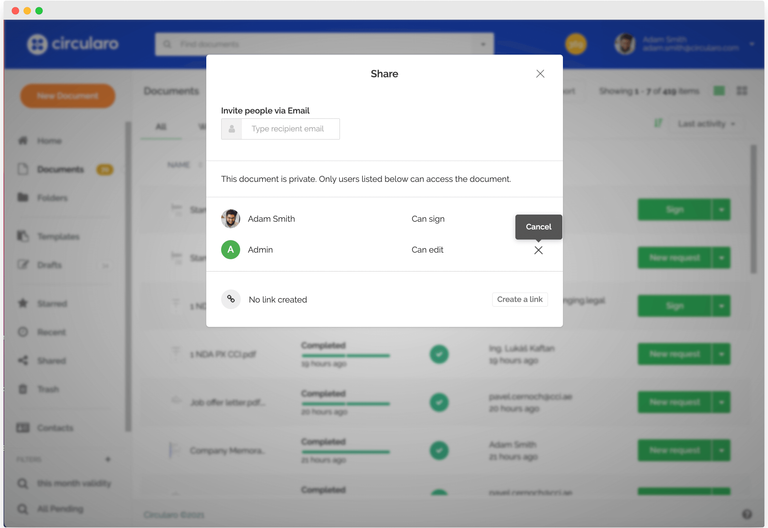
You will see a list of contacts you are sharing the document with. To remove a contact, hover your mouse over the X button on the right-hand side and click on it.
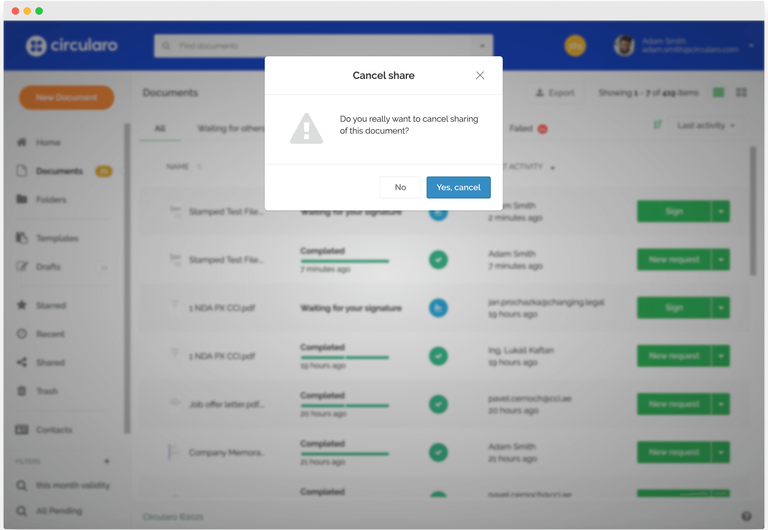
Then select Yes, cancel.
A message will pop up informing you that the share link has been removed and the contact will no longer be able to access the document.