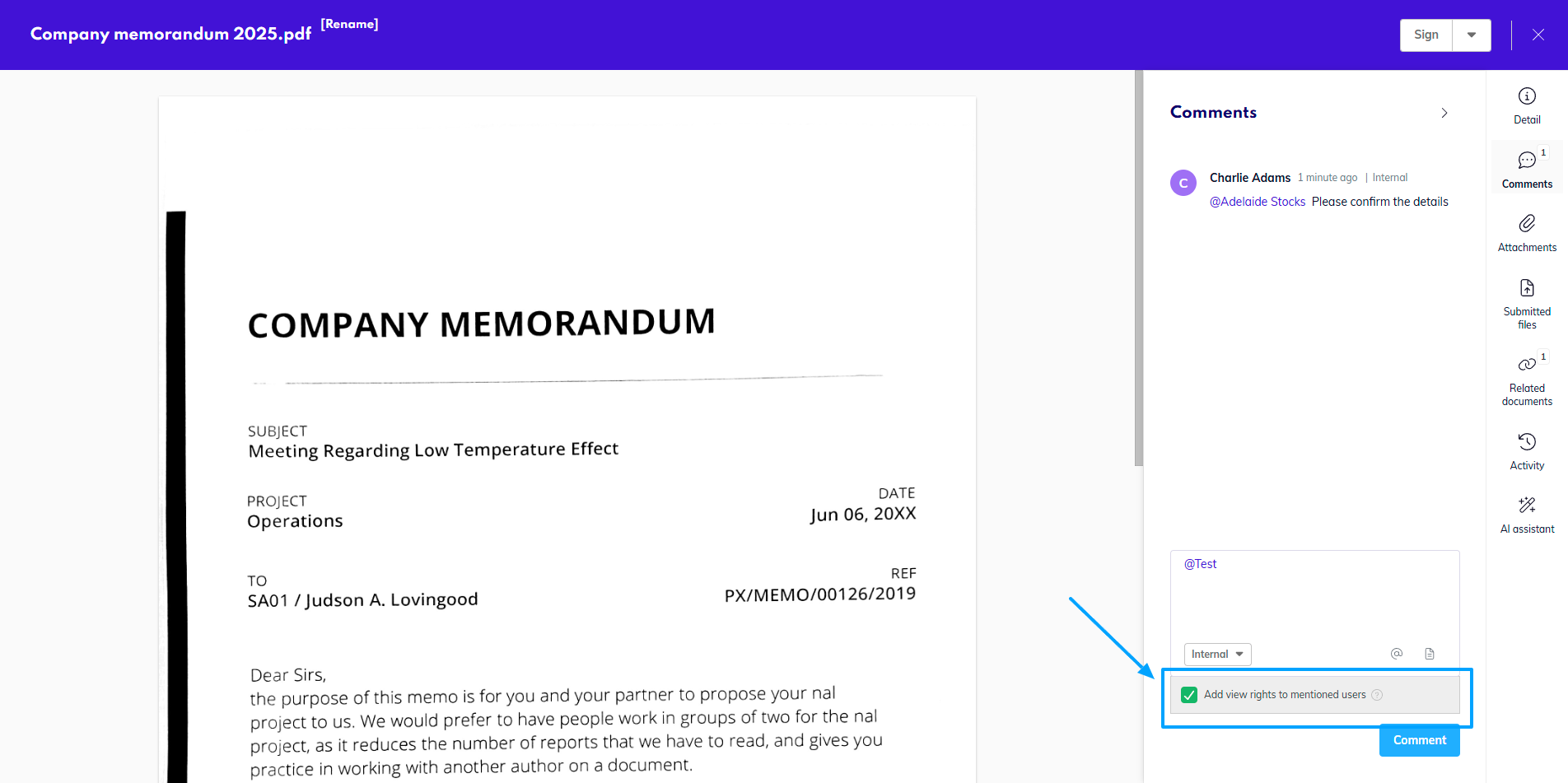
Another easy way to share any document internally is via mentions.
You can @mention someone in the system to send them a notification, or #reference a different document in the system in the comment.
Share via Mention
-
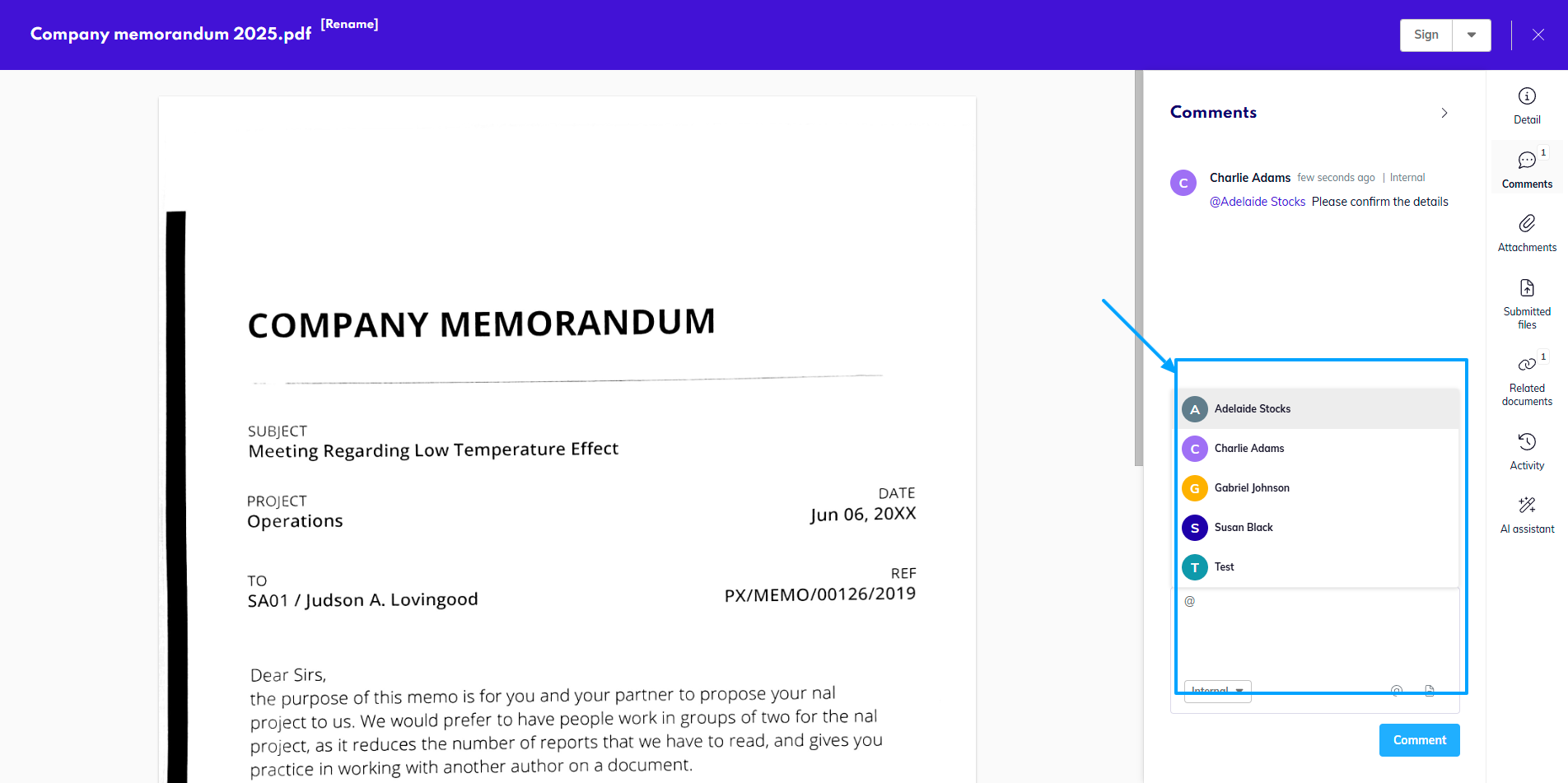
Select a document and @ someone in the comments tab.
-
The app will automatically display a list of available internal recipients.
-
You can choose more than one recipient for each document.
When you mention a user who did not have access to this document before, the system will grant
them View rights to the document, so that they can open and read its contents.