
If you need any help with registering a new account or logging into your account, please see the Registration and login page.
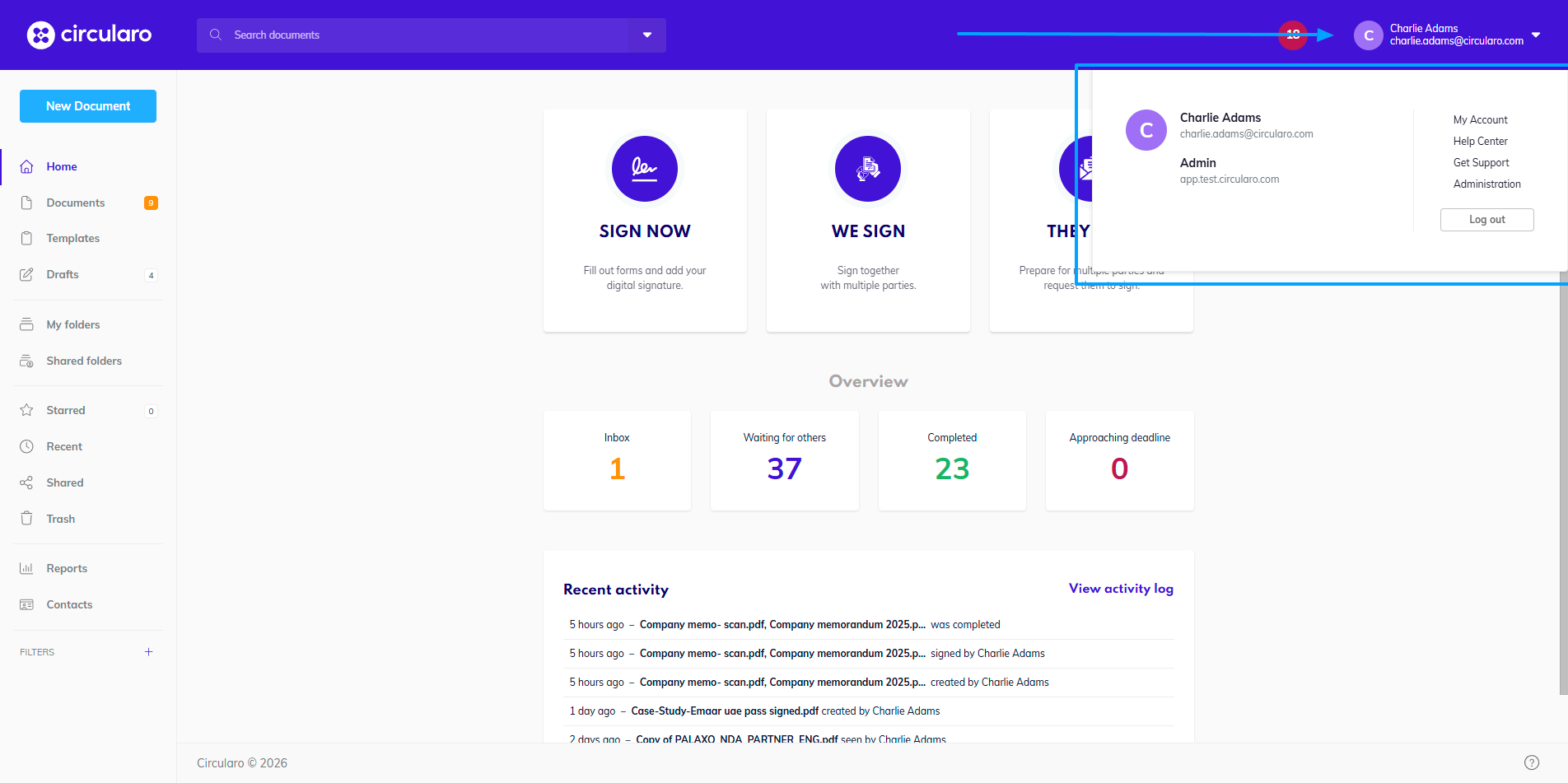
After you have successfully registered and logged in, you have the option to fill in more information about yourself in your Account . In the top right corner, click on your name and a dropdown menu will appear.
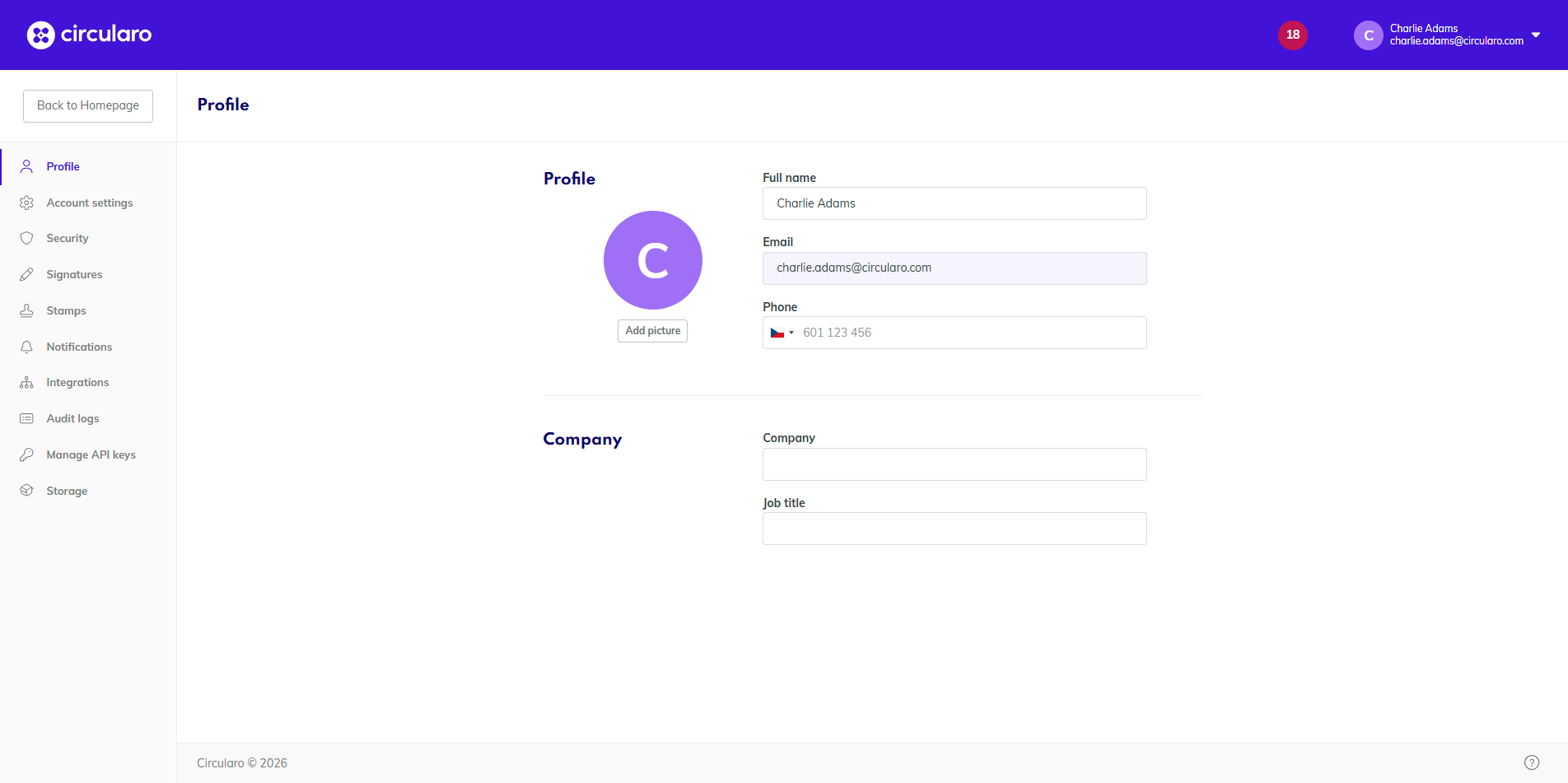
Entering your personal details will save you time and effort in the future, as the corresponding signature fields will be pre-filled automatically with your saved info while signing documents.
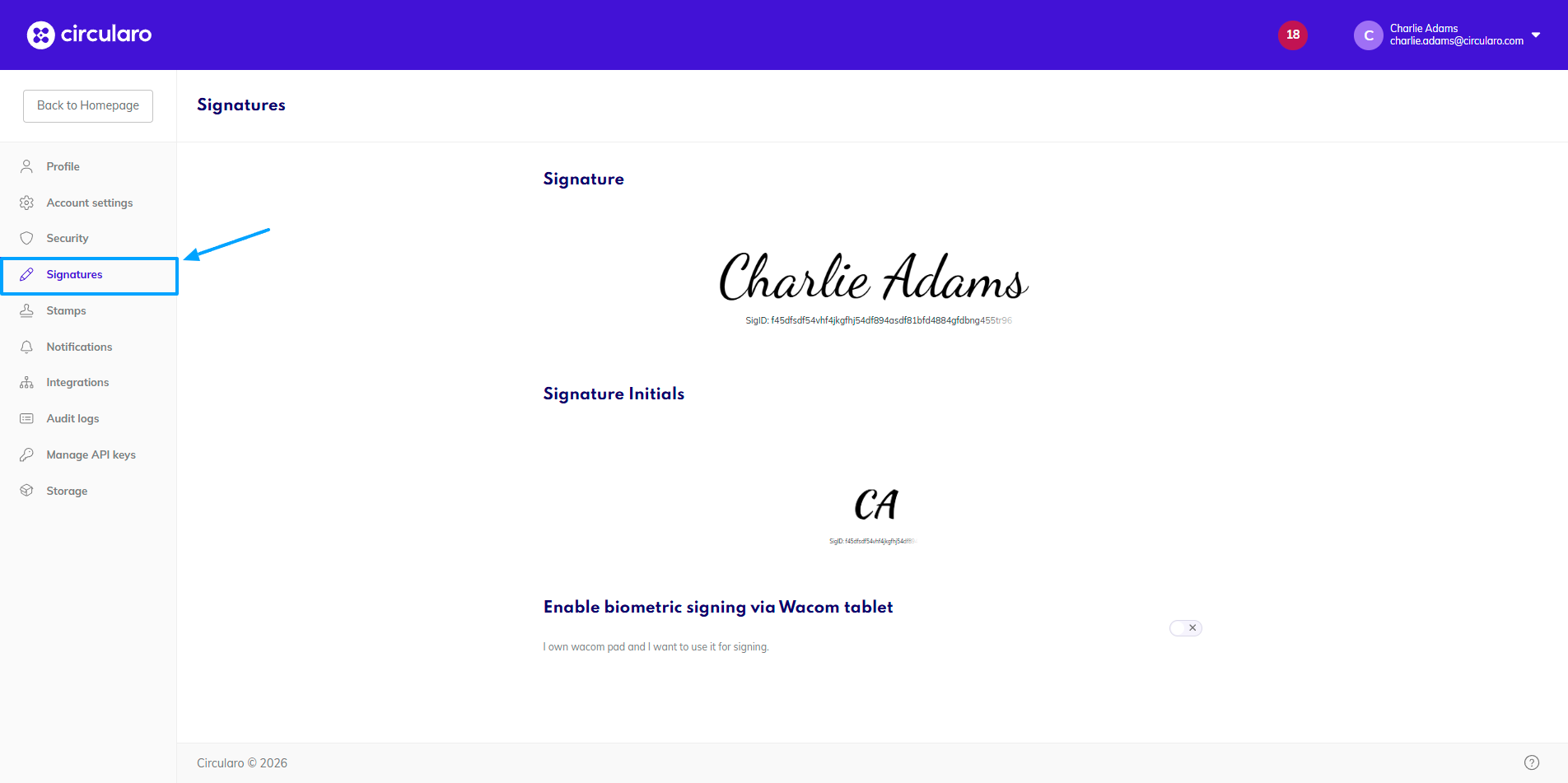
For the same aforementioned reason, it is useful to create your default Signature and Initials.
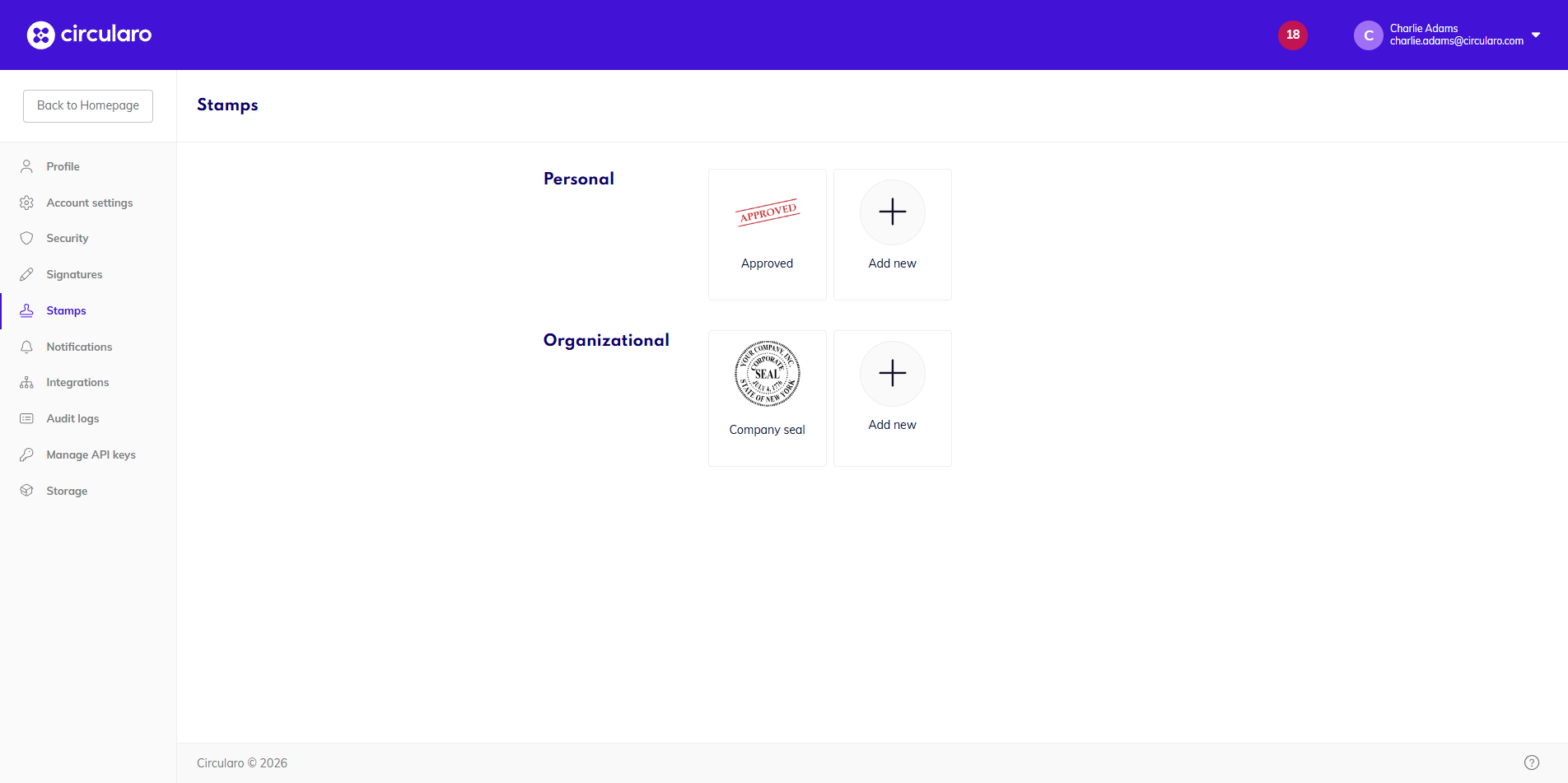
And uploading or designing your go-to Stamp. You can set up your personal stamp and you might have access to organizational stamps as well.
All of these settings are optional and can be done at any point throughout your Circularo use. However, saving your defaults from the get-go will make your eSigning experience even easier and more convenient.