Signature
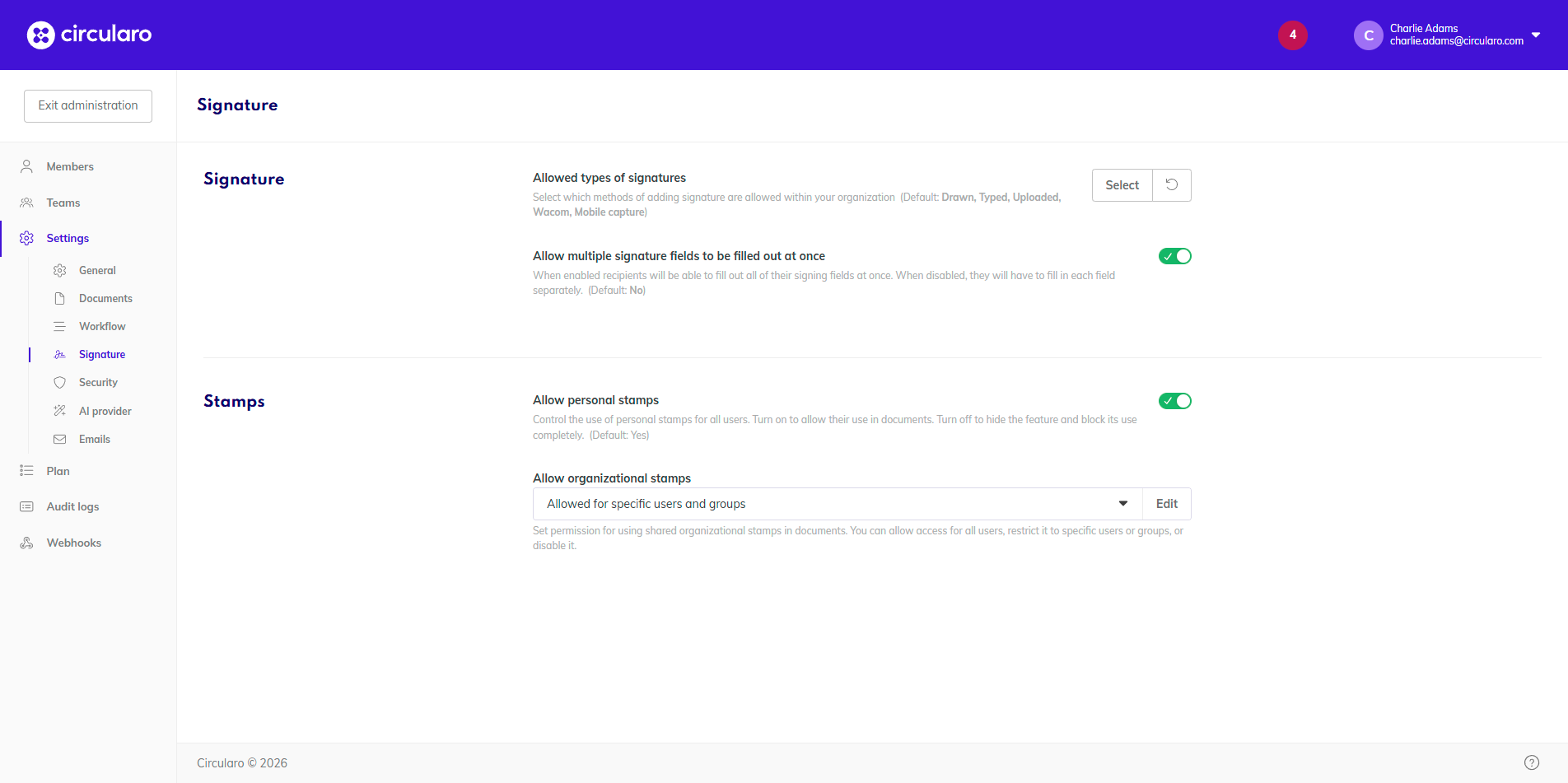
Allowed types of signatures
Select which types of signatures will be allowed throughout your organization.
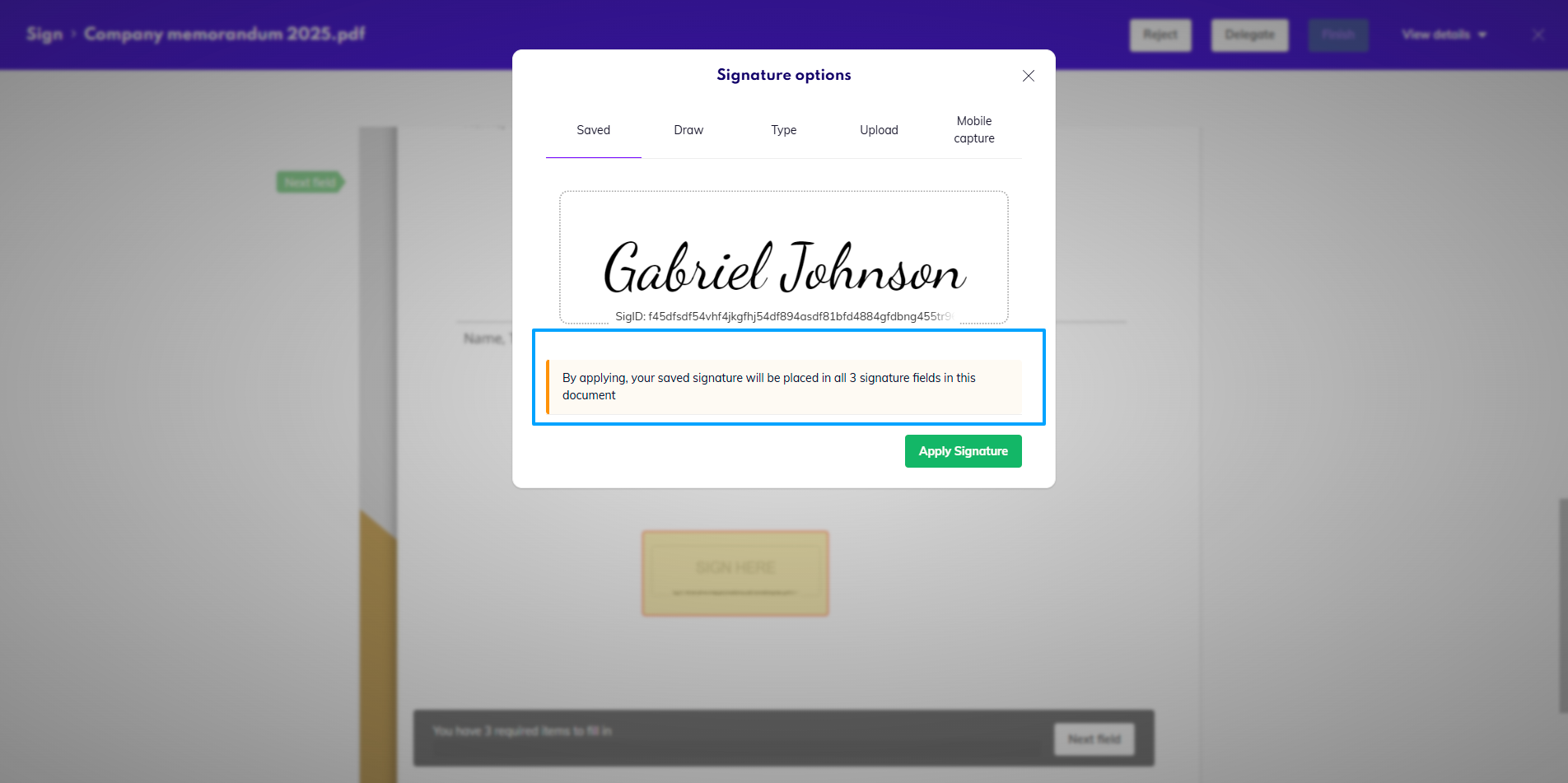
Allow multiple signature fields to be filled out at once
When this is enabled, recipients will be able to apply all of their signatures at once, without having to go over each field where their signature is needed. When disabled, they will have to add their signature to each field one by one.
Stamps
Allow personal stamps
When personal stamps are disabled, they will not be visible to anyone in the organization, and they will be disabled in all templates and documents.
Organizational stamps
Availability: Business
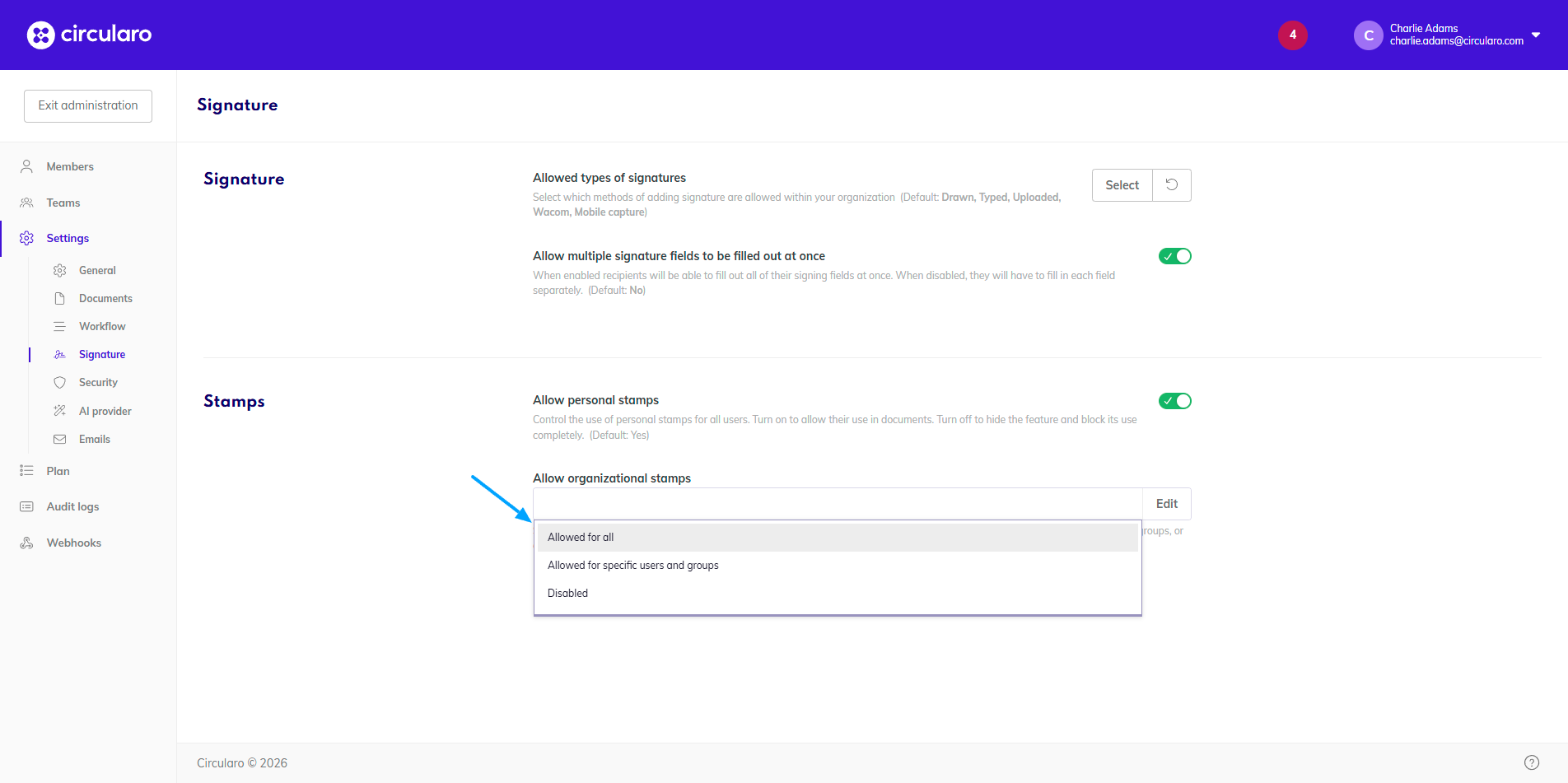
Set permission for using shared organizational stamps in documents. You can allow access for all users, restrict it to specific users or groups, or disable it.
Setting permissions for specific users or groups
-
From the dropdown select Allow for specific users and groups
-
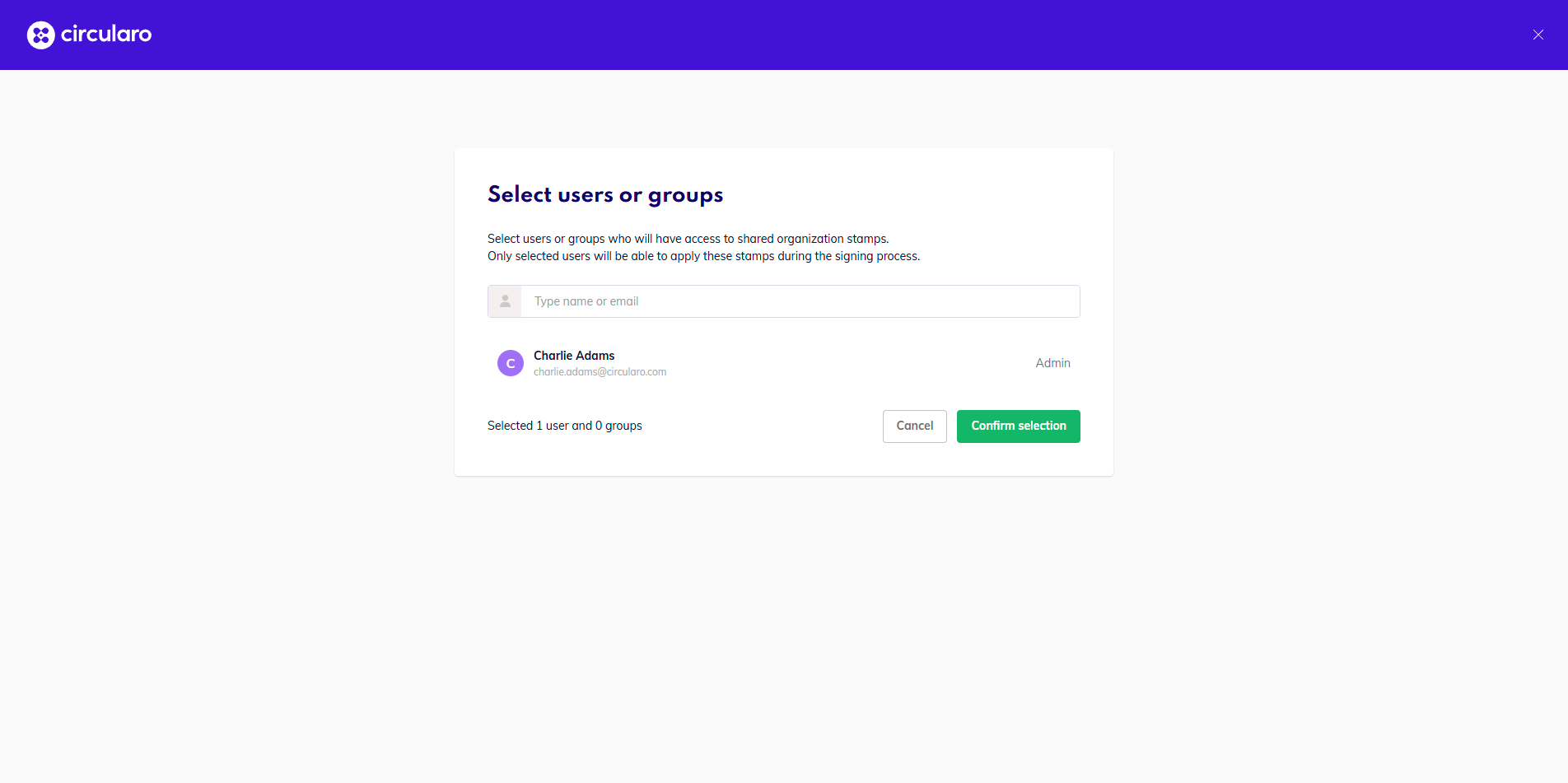
In the new window, look up users or groups you want to add
-
When you’ve added everyone you wish to have access to organizational stamps, click Confirm selection