Email link
For both internal users and external recipients, your email notification contains a delegation link.
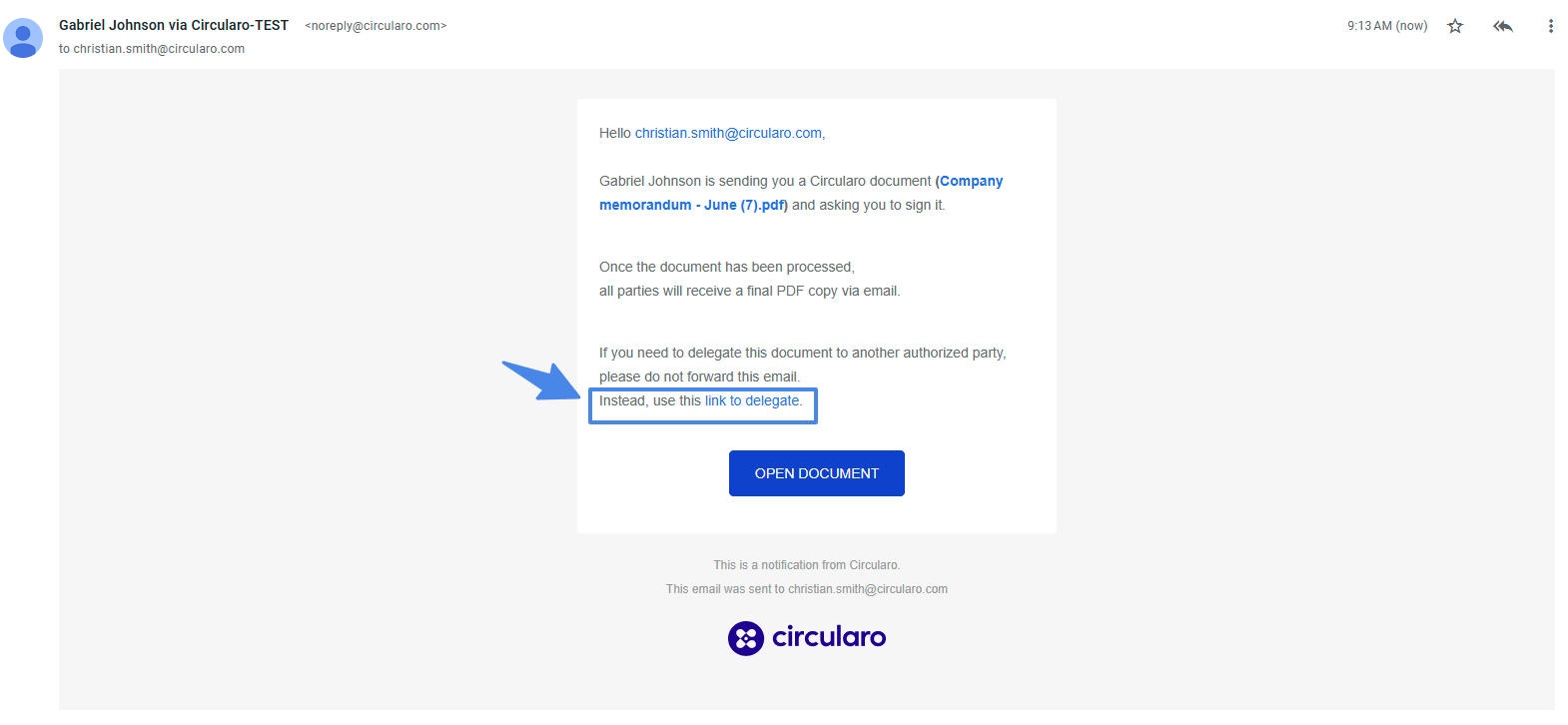
Once you click it, the document will open, and you can fill out the email address of the new recipient and optionally leave them a message as well. After that, just click Send.
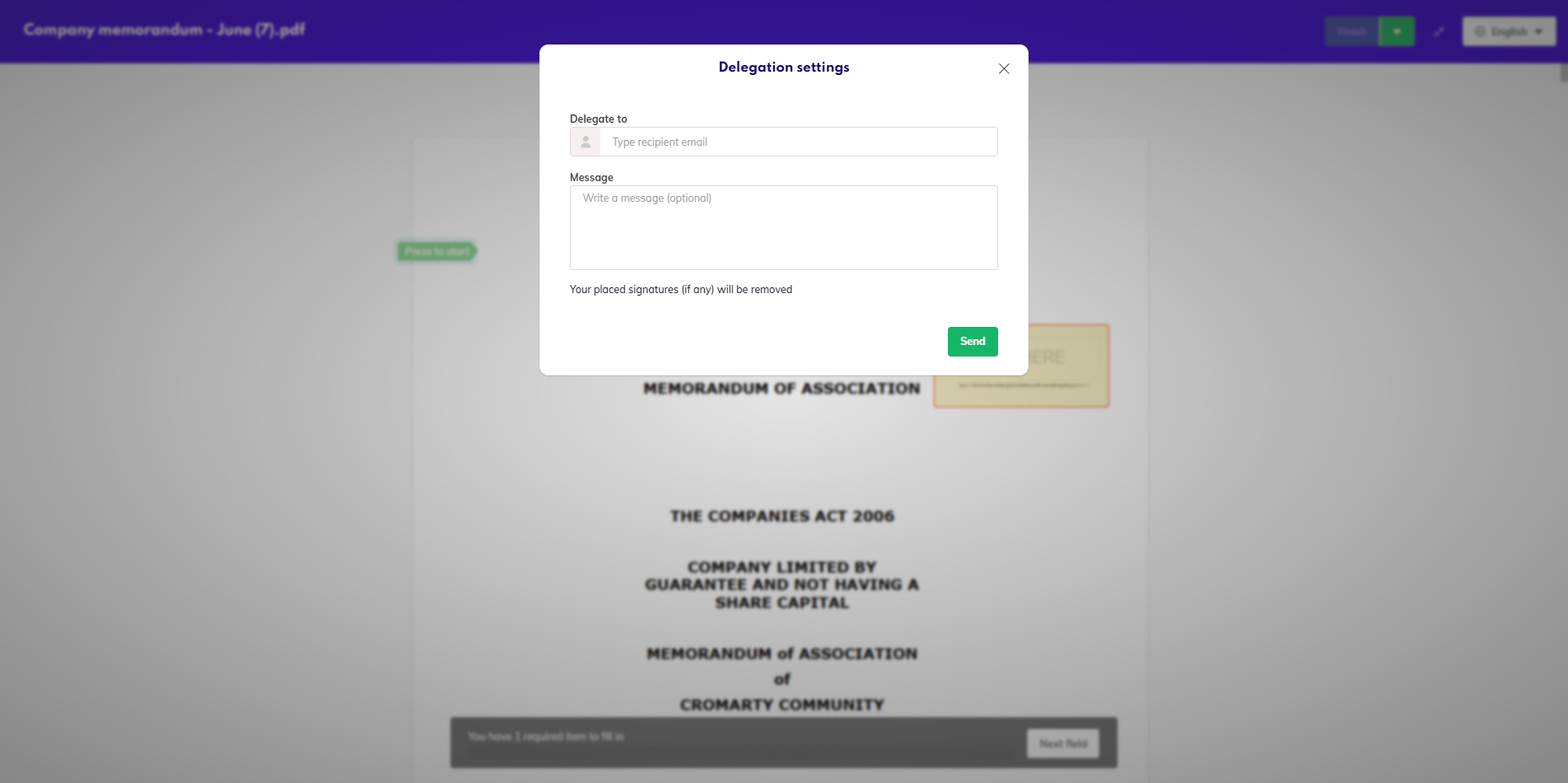
Delegate in Sign view
If you open the document for signing, and then decide to delegate it, in the top right corner, by the green Finish button is a dropdown with the option to Delegate. Again, you simply fill out the new recipient as above.
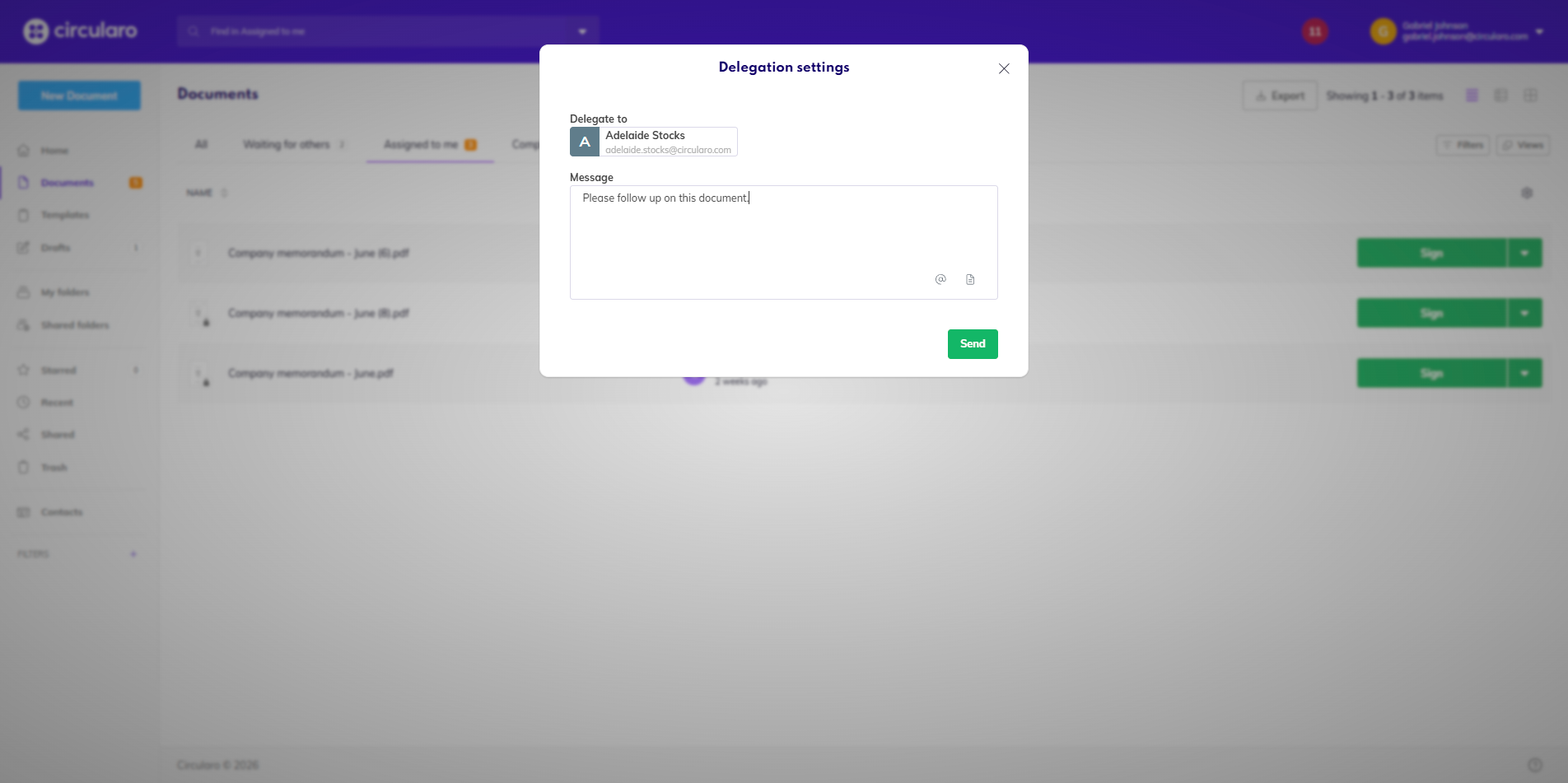
This option is available for both internal and external recipients.
Context menu
Internal users also have another option - in any Document view, be it folders, Assigned to me, All documents, in the Context menu of a document you can choose to delegate it without even having to open the document.