
Exporting data from Circularo
This article describes the possible approach to exporting data from Circularo before decommissioning your organization so that no data and documents are lost.
User-based back up
Each individual user can backup their data in their account Preferences.
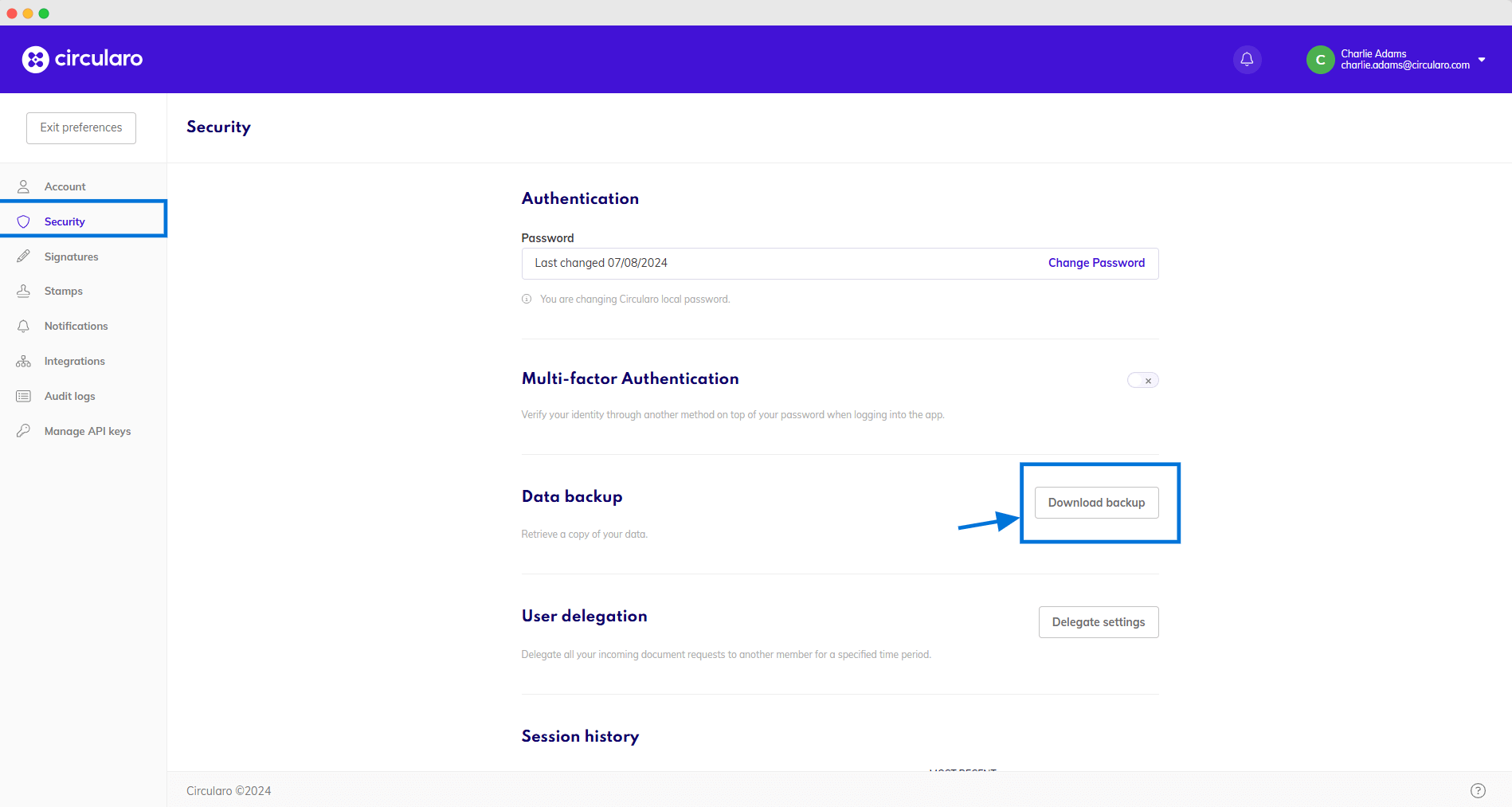
Download data backup
The files are downloaded alongside the accompanying metadata - the complete document history and index fields. Each document is in its own file that contains the document, an audit trail, and a JSON file with all metadata associated with the document. The top-most folder also contains a .csv file with an overview of all backed-up documents and their most important details.

Please note, the backup file will contain only documents created by the user. Documents in which the user participated or that were shared will not be included.
Advantages
No involvement of any support/admin is required. Users are able to execute the backup themselves.
Ready-made solution with no extra effort.
Drawbacks
Each user has to execute the backup separately.
No single backup location.
End users need to be involved in the activity.